Windows 10 End of Life: What It Ultimately Means and What You Should Do Next
Adam Fornal
October 17th, 2025
Table of Contents
Introduction: The End of an Era for Windows 10
Microsoft has officially confirmed that Windows 10 will reach its End of Life on October 14th, 2025. If you’re one of the more than one billion users still relying on Windows 10 every day, that date may sound a bit worrying — but don’t panic.
This guide will explain, in plain English, what Windows 10 End of Life really means, how it will affect your computer, and what your upgrade or replacement options are.
Windows 10 End Of Life: What It Ultimately Means And What You Should Do Next 11
What “Windows 10 End of Life” Actually Means
Let’s start by clearing up a common misunderstanding. When a piece of software reaches End of Life (EOL), it doesn’t mean your computer will suddenly stop working overnight.
Here’s what it really means in Microsoft’s world:
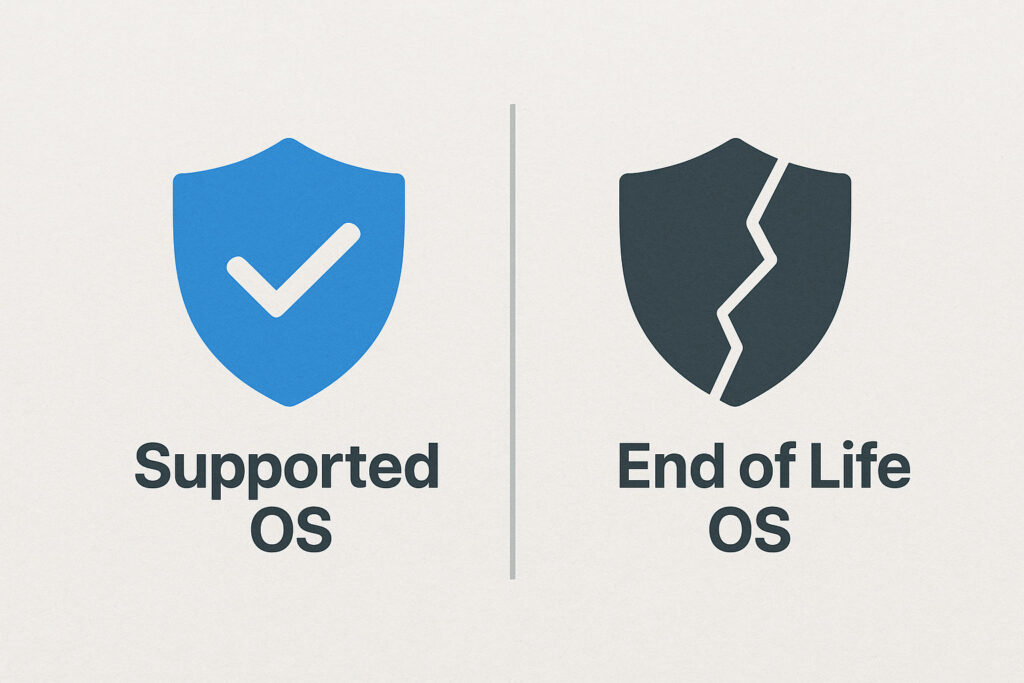
❌ No more security updates
❌ No more feature improvements
❌ No more technical support from Microsoft
⚠️ Increased risk from new viruses and cyber threats
After October 2025, Windows 10 will still run — but it won’t be protected, maintained, or supported.
Think of it like driving a car that’s out of MOT and can’t get parts anymore. It might start fine, but every day it becomes less safe to use.
Windows 10 End Of Life: What It Ultimately Means And What You Should Do Next 12
Why Microsoft Is Ending Support
Microsoft’s focus has shifted to Windows 11 and beyond. They want to unify their platforms with modern, secure technology that’s built for today’s needs — faster updates, cloud integration, and stronger security.
Windows 10 has had a remarkably long life since its release in 2015, and Microsoft typically supports operating systems for around 10 years. By 2025, Windows 10 will have received a full decade of updates — a natural end to its lifecycle.
For businesses and home users alike, this transition is part of Microsoft’s modernisation strategy, encouraging users to move to newer, safer systems built for hybrid work, AI integration, and better performance.
Windows 10 End Of Life: What It Ultimately Means And What You Should Do Next 13
The Security Risks of Staying on Windows 10
Even if your PC seems to be running smoothly now, using an unsupported operating system is a serious security risk.
1. No More Security Patches
Hackers constantly search for new vulnerabilities. When Microsoft stops issuing patches, any newly discovered flaws stay open — permanently. That means malware and ransomware creators will target unpatched systems more aggressively.
2. Outdated Software Compatibility
Apps, browsers, and even antivirus programs will gradually stop supporting Windows 10. That means less functionality, slower updates, and in some cases, complete incompatibility.
3. Business Compliance Issues
For business users, staying on Windows 10 after 2025 could violate data protection regulations (such as GDPR) because the system will no longer receive security updates. This could lead to serious compliance risks.
4. Slower Performance Over Time
Unsupported systems fall behind. Even basic tasks like web browsing can become slower as modern software optimises for newer versions of Windows.
Windows 10 End Of Life: What It Ultimately Means And What You Should Do Next 14
Can I Still Use Windows 10 After 2025?
Technically — yes. Practically — it’s not recommended.
After 2025, you can continue using Windows 10 offline (for example, on a computer that never connects to the internet), but for everyday use, it’s unsafe.
If you’re not ready to switch immediately, you have two main options:
Option 1: Extended Security Updates (ESU)
Microsoft may offer paid extended security updates for businesses (similar to what they did with Windows 7). However, this won’t be free and likely won’t be aimed at home users. It’s designed for companies who need more time to migrate.
Option 2: Upgrade to Windows 11
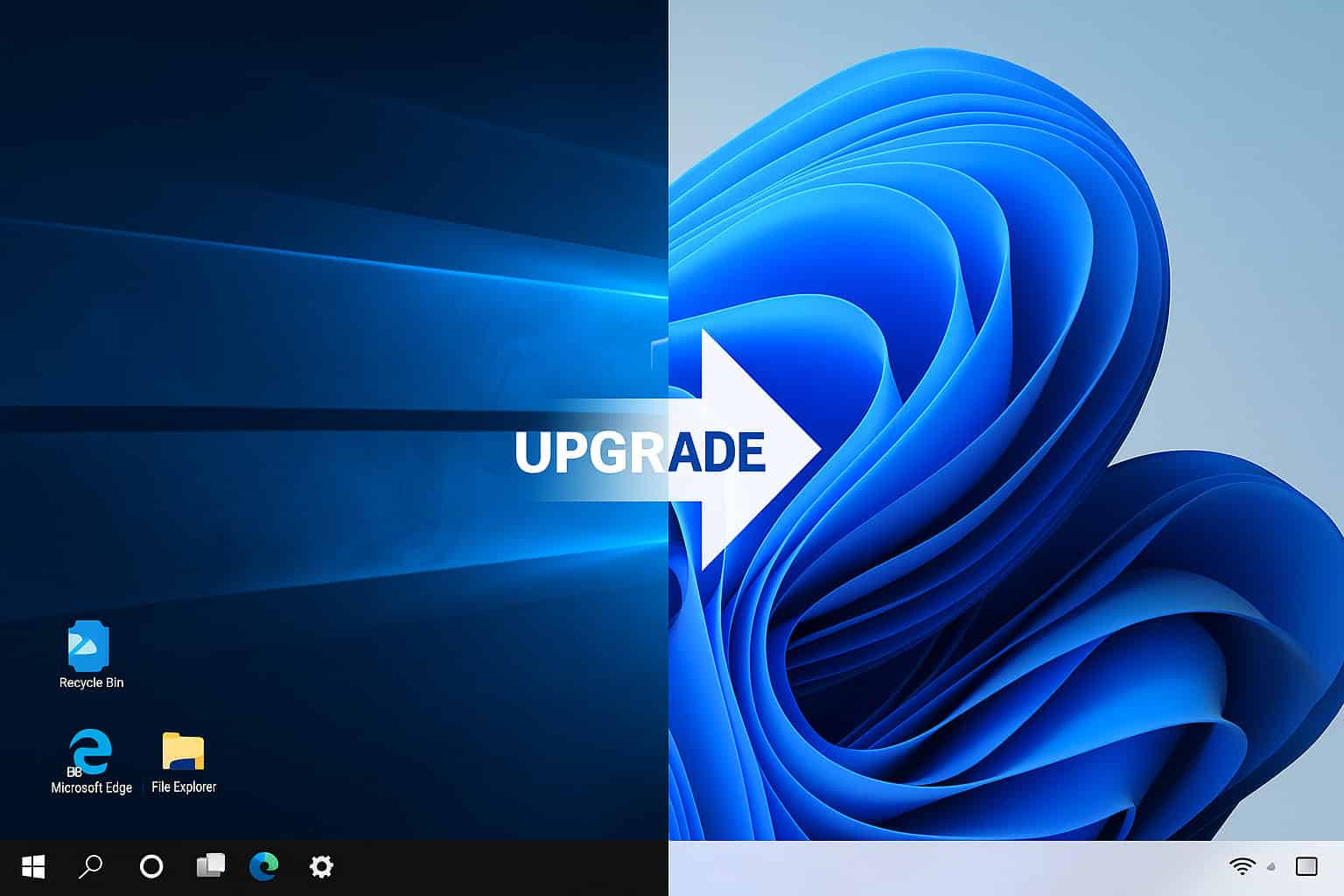
Most users should plan to upgrade to Windows 11 or consider a new computer that comes with Windows 11 pre-installed. This ensures you remain secure, supported, and compatible with the latest software.
Windows 10 End Of Life: What It Ultimately Means And What You Should Do Next 15
What’s New in Windows 11?
If you’re unsure about the difference between Windows 10 and 11, here’s a quick summary from our repair technicians at Kingfisher Computers:
A Fresher, Smoother Design
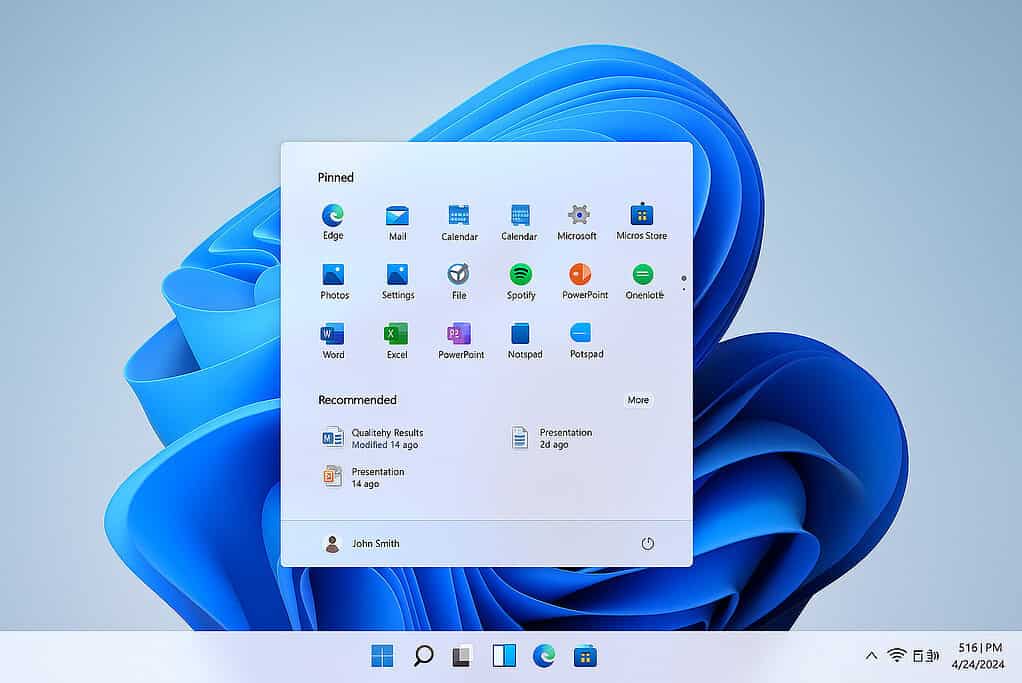
Windows 11 introduces a centred taskbar, rounded windows, and a cleaner overall layout — designed to be more user-friendly and visually modern.
Better Security Built-In
It includes TPM 2.0 and Secure Boot requirements, which help protect against firmware and boot-level attacks. These features are especially important as cyber threats become more advanced.
Faster Performance
Windows 11 is optimised for SSDs and modern CPUs, improving boot times and responsiveness.
Enhanced Productivity
Features like Snap Layouts, Virtual Desktops, and integrated Microsoft Teams make multitasking smoother than ever.
Future-Proofing
Microsoft is building future versions of its ecosystem (including AI integrations and cloud tools) around Windows 11. This makes it the logical next step for long-term support.
Windows 10 End Of Life: What It Ultimately Means And What You Should Do Next 16
Will My Computer Support Windows 11?
This is the question we get most often in-store. Not all Windows 10 devices can run Windows 11 because of Microsoft’s new hardware requirements.
The Key Requirements Are:
✅ A compatible 64-bit CPU (Intel 8th Gen or AMD Ryzen 2000 series and newer)
✅ TPM 2.0 chip enabled
✅ 4GB of RAM minimum (8GB+ recommended)
✅ 64GB of storage
✅ Secure Boot capability
If you’re unsure whether your PC is compatible, you can use Microsoft’s free PC Health Check tool — or just bring it to us at Kingfisher Computers, and we’ll check it for you.
Windows 10 End Of Life: What It Ultimately Means And What You Should Do Next 17
What If My PC Isn’t Compatible With Windows 11?
If your system is a few years old, don’t worry — you still have great options.
Option 1: Upgrade the Hardware
In many cases, older systems can be upgraded to meet Windows 11 requirements. We can add or enable TPM modules, install SSDs, increase RAM, or configure Secure Boot — all cost-effective ways to extend your system’s life.
Option 2: Stay on Windows 10 Temporarily
If your PC is working perfectly and you want to wait a little longer, it’s safe to stay on Windows 10 until October 2025 — just make sure your updates and antivirus are current.
Option 3: Replace With a New System
If your machine is over 5–7 years old, upgrading may not be cost-effective. In that case, a new Windows 11 computer will be faster, more reliable, and future-proof.
At Kingfisher Computers, we offer custom-built PCs and refurbished systems that are ready for Windows 11 — fully set up and secured before you take them home.
Windows 10 End Of Life: What It Ultimately Means And What You Should Do Next 18
When Should You Upgrade?
Our advice: Don’t leave it until the last minute.
Upgrading early means:
You avoid the rush as 2025 approaches
You get time to transfer data safely
You stay fully protected against the latest cyber threats
We recommend starting the process sometime in 2025, especially for businesses that need multiple machines upgraded.
How Kingfisher Computers Can Help
As a trusted local IT specialist with over 20 years in the business, we’ve already started helping customers prepare for Windows 10’s retirement.
Here’s how we can help you today:
1. Free Compatibility Check
Bring your computer in, and we’ll run a full diagnostic to see if it’s Windows 11 ready.
2. Secure Upgrade or Migration
We handle upgrades, backups, and transfers — ensuring your files, photos, and settings are safely moved to your new system.
3. Custom PC Builds
If your old system can’t handle Windows 11, we can build a new desktop tailored to your needs and budget — whether it’s for gaming, work, or everyday use.
4. Training and Support
We also offer one-to-one support for customers who need help getting used to Windows 11’s layout and features.
Windows 10 End Of Life: What It Ultimately Means And What You Should Do Next 19
Final Thoughts: Don’t Wait Until It’s Too Late
The Windows 10 End of Life isn’t something to fear — it’s an opportunity to make sure your system stays fast, safe, and reliable for years to come.
With over two decades of trusted experience, Kingfisher Computers is here to make that transition simple, secure, and stress-free.
📍 Visit us at: 38 Church Street, Hartlepool, TS24 7DG 📞 Call us: 01429 280955 💻 Website: www.kingfishercomputers.co.uk
Windows 10 End Of Life: What It Ultimately Means And What You Should Do Next 20
The Illusion of Stability in Modern Updates For most users, operating system updates are something that simply happen. They arrive quietly, often installing in the background, requiring little more than…
Macbook Neo, How Does It Compare To Air & Pro? Over the last few years the laptop market has experienced one of the most significant architectural changes in its history.…
Apple’s latest product announcements mark one of the most significant shifts in the Mac lineup in more than a decade. While Apple routinely updates its hardware with faster chips, incremental…
There is a particular kind of frustration that only a slow computer can produce. It is not dramatic. It is not urgent. It does not scream for attention. Instead, it…
In an era where nearly every aspect of personal computer maintenance and professional life is mediated through digital systems, your computer is no longer a luxury device — it is…
Phone says charging but battery not increasing is one of the most frustrating problems smartphone users face. You plug it in.The lightning bolt appears.It says “Charging.” But the battery percentage…
Apple’s rumour cycle always looks like a thousand disconnected leaks — until you line them up and notice the same themes repeating: AI-first silicon, camera and display differentiation, form-factor experiments (foldables / spatial…
Wi-Fi connected but no internet is one of the most frustrating messages you can see on a computer or laptop. The Wi-Fi icon shows full bars.It says “Connected.”But websites won’t…
Unfortunately, there was an error submitting your request.
Please try again later, or reach out to us directly. You can call us at +44 1429 280955 or email us at [email protected] for assistance. We’re here to help you get your computer back up and running!
We’ve received your booking, Our team will get in touch with you shortly to confirm the details. You’re one step closer to having your computer fixed! If you have any urgent questions, feel free to contact us. Otherwise, sit back, and we’ll handle the rest.