Windows 11 problems we fix daily – and which ones aren’t worth repairing
Connor Boyle
January 28th, 2026
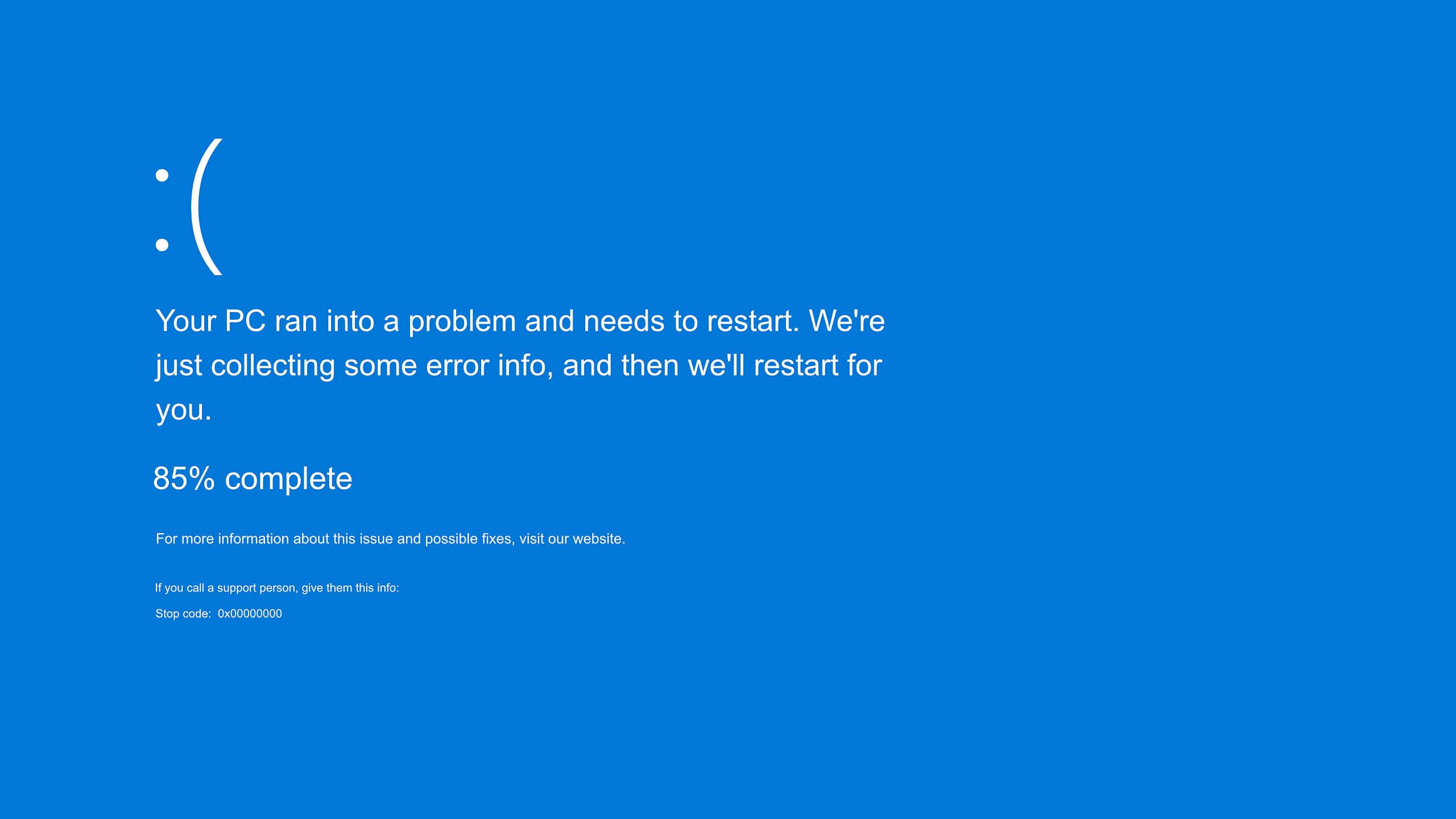
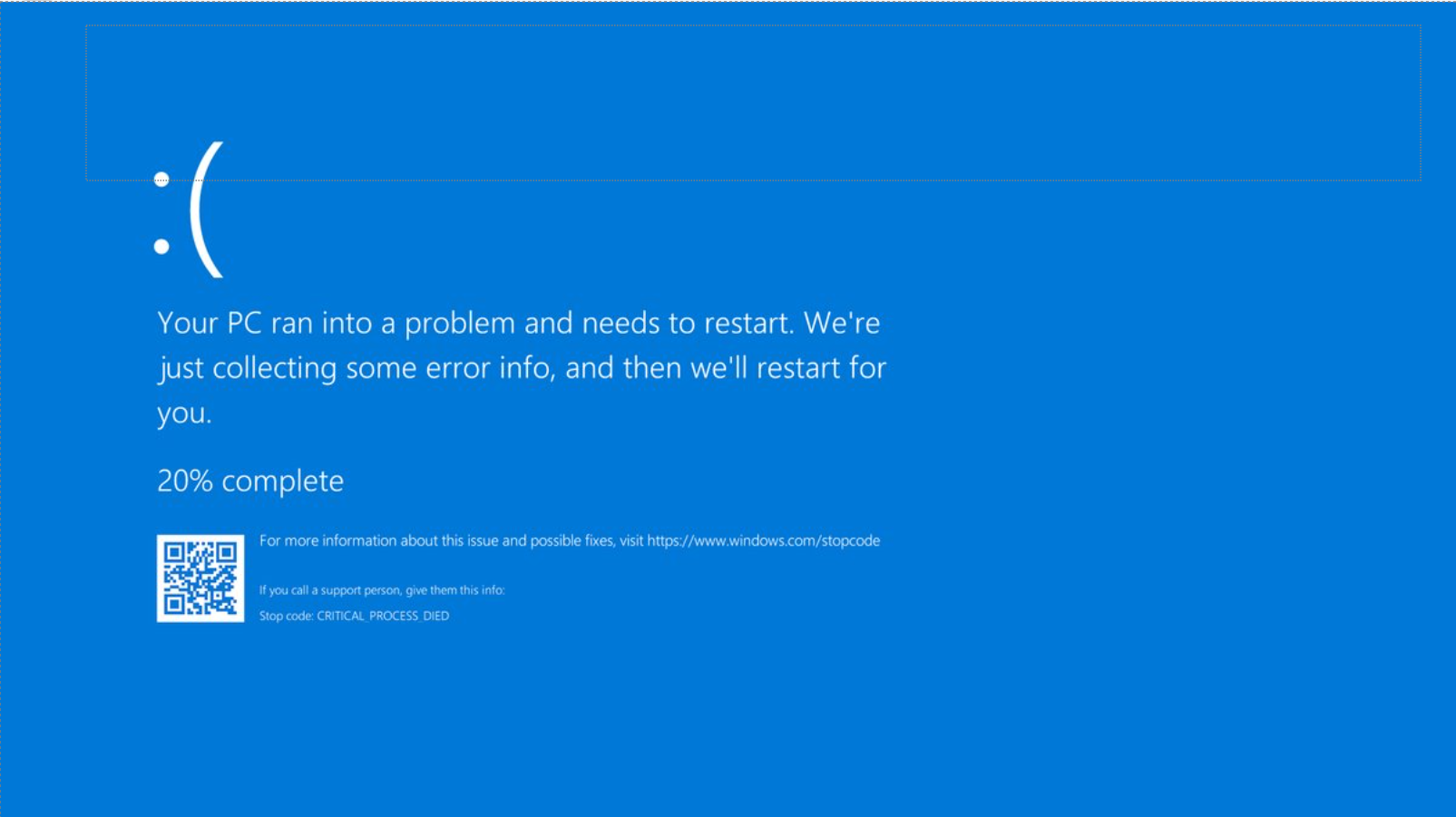
Windows 11 problems are one of the most common reasons people bring their computers into Kingfisher Computers. Every single day, customers arrive frustrated, confused, or worried that their PC is “dying”.
Sometimes the fix is quick. Sometimes it’s cheap. And sometimes the honest answer is: this repair isn’t worth your money.
This guide explains Windows 11 problems we fix daily, which Windows 11 problems are usually not worth repairing, and how to tell the difference before you waste time or money.
Everything is explained clearly, simply, and honestly — no confusing tech talk.
4
Alt text: Windows 11 problems
Why Windows 11 problems are so common
Windows 11 is not a bad operating system. But it expects a lot from your computer.
It assumes you have:
Modern hardware
Fast storage
Enough memory
Updated drivers
Supported components
Many computers can install Windows 11, but that does not mean they should.
This is why Windows 11 problems appear so often — especially on older laptops and budget PCs.
Windows 11 problems we fix daily
Let’s start with the good news.
These are Windows 11 problems we repair every day, and in most cases, they are worth fixing.
Windows 11 problems caused by slow performance
This is the number one complaint.
What people usually say
“It takes forever to turn on”
“Everything freezes”
“It was fast before Windows 11”
“The fan is always loud”
What’s really happening
Most slow Windows 11 systems suffer from:
Old mechanical hard drives
Not enough RAM
Too many startup programs
Corrupt Windows files
Windows 11 is designed for SSD storage. If your PC still uses a hard drive, Windows 11 will struggle.
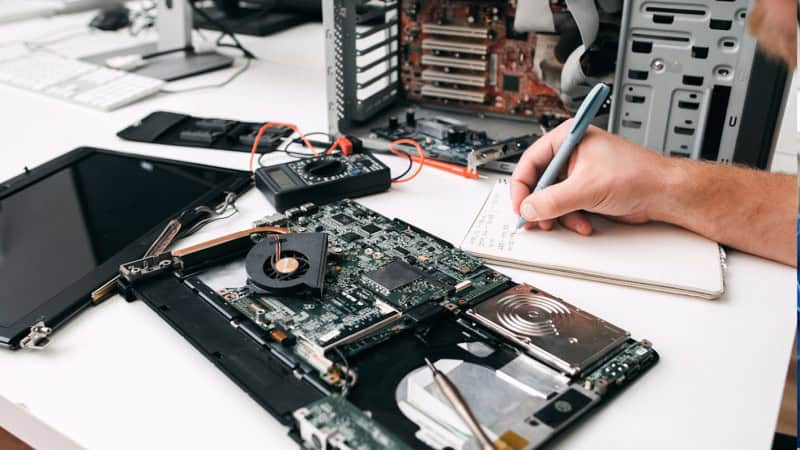
Windows 11 problems with apps not opening or crashing
Windows 11 relies heavily on background services that operate behind the scenes at all times, controlling updates, system settings, built-in apps, and security features that keep the operating system running smoothly.
Common complaints
Settings won’t open
Microsoft Store crashes
Apps open then close
Search doesn’t work
Why this happens
Corrupt user profile
Broken permissions
Failed updates
Windows Store bugs
Is this worth repairing?
✅ Yes
These issues are usually repairable without reinstalling Windows.
4
Alt text: Windows 11 problems
Windows 11 problems that are often NOT worth repairing
Now for the honest part.
Some Windows 11 problems are technically fixable — but financially pointless.
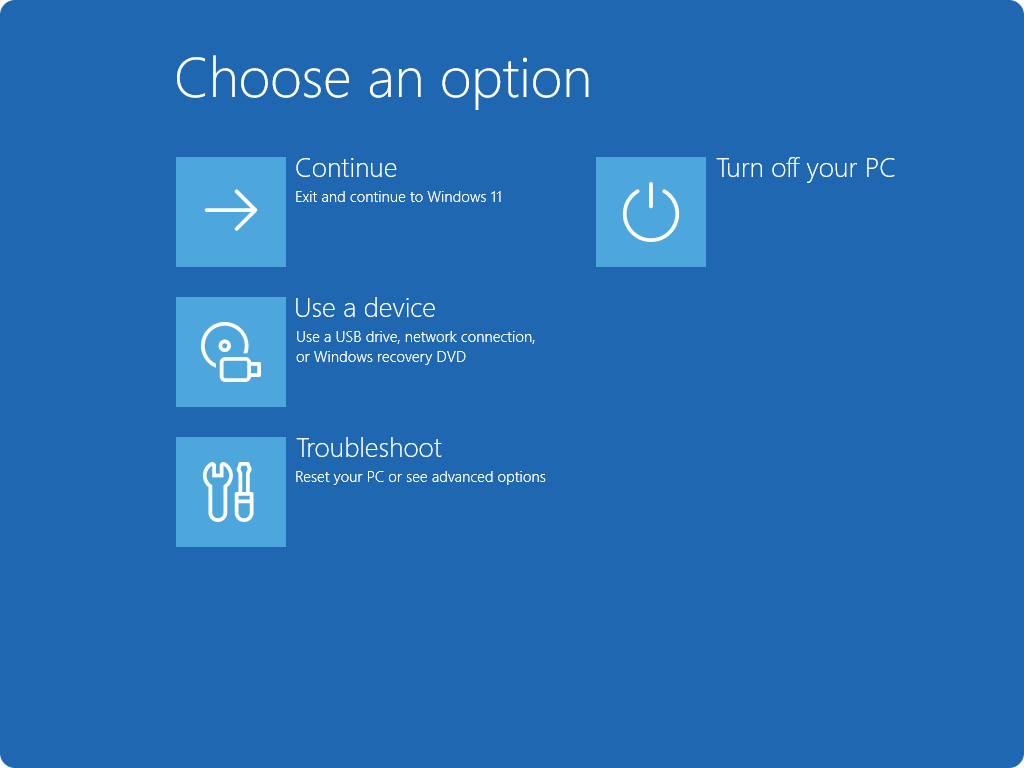
Windows 11 problems caused by unsupported hardware
Windows 11 has strict hardware requirements.
Common unsupported parts
Older CPUs
No TPM 2.0 chip
Legacy BIOS systems
What happens over time
Updates stop installing
Security features fail
System becomes unstable
Is this worth repairing?
❌ Usually no
You can sometimes force Windows 11 to install, but long-term reliability is poor.
The Illusion of Stability in Modern Updates For most users, operating system updates are something that simply happen. They arrive quietly, often installing in the background, requiring little more than…
Macbook Neo, How Does It Compare To Air & Pro? Over the last few years the laptop market has experienced one of the most significant architectural changes in its history.…
Apple’s latest product announcements mark one of the most significant shifts in the Mac lineup in more than a decade. While Apple routinely updates its hardware with faster chips, incremental…
There is a particular kind of frustration that only a slow computer can produce. It is not dramatic. It is not urgent. It does not scream for attention. Instead, it…
In an era where nearly every aspect of personal computer maintenance and professional life is mediated through digital systems, your computer is no longer a luxury device — it is…
Phone says charging but battery not increasing is one of the most frustrating problems smartphone users face. You plug it in.The lightning bolt appears.It says “Charging.” But the battery percentage…
Apple’s rumour cycle always looks like a thousand disconnected leaks — until you line them up and notice the same themes repeating: AI-first silicon, camera and display differentiation, form-factor experiments (foldables / spatial…
Wi-Fi connected but no internet is one of the most frustrating messages you can see on a computer or laptop. The Wi-Fi icon shows full bars.It says “Connected.”But websites won’t…
Unfortunately, there was an error submitting your request.
Please try again later, or reach out to us directly. You can call us at +44 1429 280955 or email us at [email protected] for assistance. We’re here to help you get your computer back up and running!
We’ve received your booking, Our team will get in touch with you shortly to confirm the details. You’re one step closer to having your computer fixed! If you have any urgent questions, feel free to contact us. Otherwise, sit back, and we’ll handle the rest.