6 Essential Computer Tips for Less Experienced Users
Navigating the digital world can be intimidating for those who are less experienced with computers. While technology can make our lives easier, understanding how to get the most out of it takes time, patience, and the right knowledge. Whether you’re preparing for a new job or simply want to improve your computer skills, this article will provide you with foundational tips to boost your confidence and efficiency.
Table of Contents
1. Improve Your Typing Speed – Essential Computer Tips for Less Experienced Users”
One of the first skills that demonstrates computer proficiency is typing speed. Faster typing not only increases productivity but also makes you more comfortable navigating a computer.
To improve typing speed, there are several online tools like TypingTest and 10FastFingers that help you practice. Aim to practice regularly to see noticeable improvements.
Keyboard shortcuts can save you a significant amount of time too! From taking screenshots (try Windows + Shift + S or Cmd + Shift + 4 for Mac users) to copying and pasting (Ctrl + C / Ctrl + V), mastering shortcuts can make you faster and more efficient.
2. Enhance Your Computer Security
In today’s digital age, securing your computer should be a top priority. Less experienced users often overlook security, which can expose personal data or lead to malware infections. Follow these essential tips to protect your device:
Use strong, unique passwords for each of your online profiles. Tools like LastPass or 1Password can help manage and generate secure passwords.
Utilize a Virtual Private Network (VPN), such as NordVPN or ExpressVPN, to keep your online activity private and secure, especially when using public Wi-Fi.
Avoid suspicious links or downloading files from unverified sources.
Do not overshare personal information online, especially in forums or with strangers.
3. Keep Your System Updated
Keeping your operating system (OS) and software updated is crucial. Regular updates not only enhance performance but also protect your system from vulnerabilities.
OS developers, like Microsoft and Apple, release updates regularly to fix security issues and bugs. Make sure you enable automatic updates or check for updates manually if needed.
Software and drivers also need attention. While many applications update automatically, it’s good practice to periodically check for updates in programs like your browser or antivirus software.
4. Back Up Your Data Regularly
Backing up data is one of the most crucial habits for any computer user. Without a reliable backup system, you risk losing important files due to system crashes, malware, or even accidental deletion.
Here are a few simple methods to back up your data:
External hard drives or USB flash drives are great for local backups. Simply copy your essential files onto these devices regularly.
For cloud storage options, try using services like Google Drive, Dropbox, or iCloud. These platforms provide easy access to your files from any device and are ideal for off-site backups.
5. Find Useful Software
While learning the computer basics, don’t limit yourself to only using built-in programs. There are many applications out there that can improve productivity, make tasks easier, and help you learn faster.
If you struggle with time management, try apps like Trello or Todoist to organize tasks and stay on top of deadlines.
For better file management, tools like Everything or Xplorer² offer advanced search functionalities, making it easier to locate files across your computer.
6. Manage Storage Efficiently – Computer Tips for Less Experienced Users
As you use your computer over time, it’s common to encounter storage issues. Too many files, especially large ones, can slow down your device, reducing its efficiency.
Follow these tips to keep your system clean and efficient:
Regularly delete unnecessary files, such as old documents, downloaded installers, and temporary files.
Empty the Recycle Bin/Trash to permanently remove files that are no longer needed.
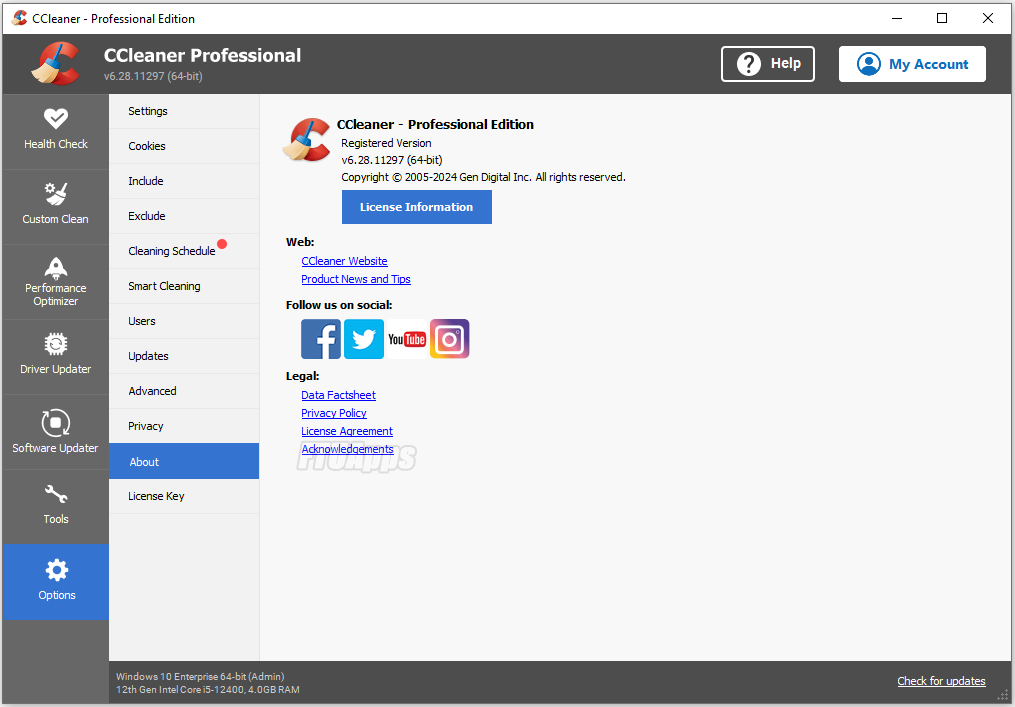
Consider using software like CCleaner to help clean up hidden junk files and keep track of where your storage is being used.
6 Great Computer Tips For Less Experienced Users 2
Conclusion
Getting the most out of your computer doesn’t require years of experience—just the right guidance and a commitment to learning. Start by improving your typing skills, securing your device, and backing up your data. Make sure to stay updated with the latest software and organize your files effectively. With these essential computer tips for less experienced users, you’ll be on your way to becoming a more confident and efficient computer user.
If you require any help our site is always open – Happy computing!
The Illusion of Stability in Modern Updates For most users, operating system updates are something that simply happen. They arrive quietly, often installing in the background, requiring little more than…
Macbook Neo, How Does It Compare To Air & Pro? Over the last few years the laptop market has experienced one of the most significant architectural changes in its history.…
Apple’s latest product announcements mark one of the most significant shifts in the Mac lineup in more than a decade. While Apple routinely updates its hardware with faster chips, incremental…
There is a particular kind of frustration that only a slow computer can produce. It is not dramatic. It is not urgent. It does not scream for attention. Instead, it…
In an era where nearly every aspect of personal computer maintenance and professional life is mediated through digital systems, your computer is no longer a luxury device — it is…
Phone says charging but battery not increasing is one of the most frustrating problems smartphone users face. You plug it in.The lightning bolt appears.It says “Charging.” But the battery percentage…
Apple’s rumour cycle always looks like a thousand disconnected leaks — until you line them up and notice the same themes repeating: AI-first silicon, camera and display differentiation, form-factor experiments (foldables / spatial…
Wi-Fi connected but no internet is one of the most frustrating messages you can see on a computer or laptop. The Wi-Fi icon shows full bars.It says “Connected.”But websites won’t…
Unfortunately, there was an error submitting your request.
Please try again later, or reach out to us directly. You can call us at +44 1429 280955 or email us at sales@kingfishercomputers.co.uk for assistance. We’re here to help you get your computer back up and running!
We’ve received your booking, Our team will get in touch with you shortly to confirm the details. You’re one step closer to having your computer fixed! If you have any urgent questions, feel free to contact us. Otherwise, sit back, and we’ll handle the rest.