When people talk about PC performance, most focus on CPUs, GPUs, or even RAM. But there’s one silent workhorse that often goes unnoticed until it causes problems — your power supply. In 2025, when components demand more efficiency and stability, you must ask yourself: Is your power supply holding you back?
Whether you’re gaming, editing videos, or building a workstation, your power supply (PSU) plays a critical role in performance and reliability. If you’ve been facing random crashes, shutdowns, or even lag under load, your PSU could be the root cause. This guide will explore everything you need to know to answer the question: Is your power supply holding you back?
Is Your Power Supply Holding You Back? 4
What Does a Power Supply Actually Do?
Your PSU takes electricity from your wall socket and converts it into usable power for your PC’s components. While this sounds simple, the role it plays is far more critical than most realize. If your PSU can’t deliver the right amount of clean, stable power, everything from performance to system longevity is affected. So again, it’s worth asking: is your power supply holding you back?
Power Supply Holding You Back? Here’s What It Affects
Performance Bottlenecks
You might not realize it, but an underpowered or low-quality PSU can throttle your performance. For example, your GPU or CPU may not operate at their full potential if they’re not receiving consistent power. Over time, this leads to laggy gameplay, longer render times, and an overall sluggish system — yes, your power supply holding you back is a real issue.
System Stability and Random Shutdowns
Does your PC reboot randomly, especially under load? That’s often a classic sign of your power supply holding you back. When your PSU can’t handle the power spikes that come from gaming or multitasking, it forces the system to crash as a safety measure.
Upgrade Limitations
Planning to upgrade to a new GPU in 2025? You may need a more powerful PSU. If your current one lacks the wattage or required connectors, your power supply holding you back becomes a real constraint.
Hardware Longevity
Low-quality or overworked power supplies deliver inconsistent voltage, which can slowly damage components over time. If you care about your system’s health, don’t let your power supply hold you back in silence.
Is Your Power Supply Holding You Back? 5
Signs Your Power Supply Is Holding You Back
Frequent Crashes Under Load
When you’re gaming or running resource-intensive software and your PC suddenly shuts down, this could be your power supply holding you back. It can’t provide the consistent energy your components demand.
Strange Noises or Burning Smells
Buzzing, clicking, or a faint burning smell are red flags. These noises could signal that your PSU is struggling — yes, that’s your power supply holding you back (and it might be dangerous).
Inability to Power New Components
Trying to upgrade to a new RTX GPU or Ryzen CPU but getting no boot or system instability? Your power supply holding you back could be the issue. Always check the PSU requirements for new components.
Unstable Voltages in BIOS or Monitoring Software
Check voltages using tools like HWMonitor. If you see large fluctuations, it’s likely your power supply holding you back by failing to deliver clean power.
Choosing the Right Power Supply for 2025
Wattage: More Than Just a Number
Buying a PSU with just enough wattage isn’t always good enough. Modern GPUs have massive power spikes. A 750W PSU may not handle a card that spikes to 800W. Ensure you’re factoring in peak loads and headroom, or your power supply holding you back becomes inevitable.
Certification Matters
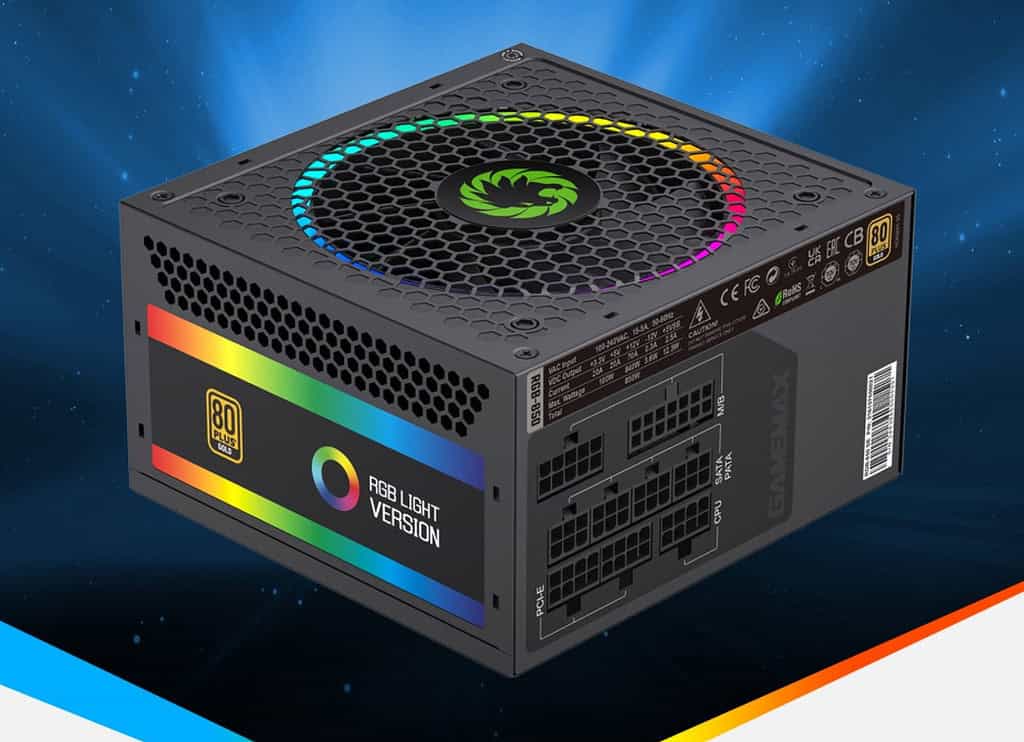
Always look for PSUs with an 80 PLUS certification (Bronze, Gold, Platinum). Efficiency affects not just your electric bill but also heat output and longevity. Low efficiency = your power supply holding you back.
Modular vs. Non-Modular
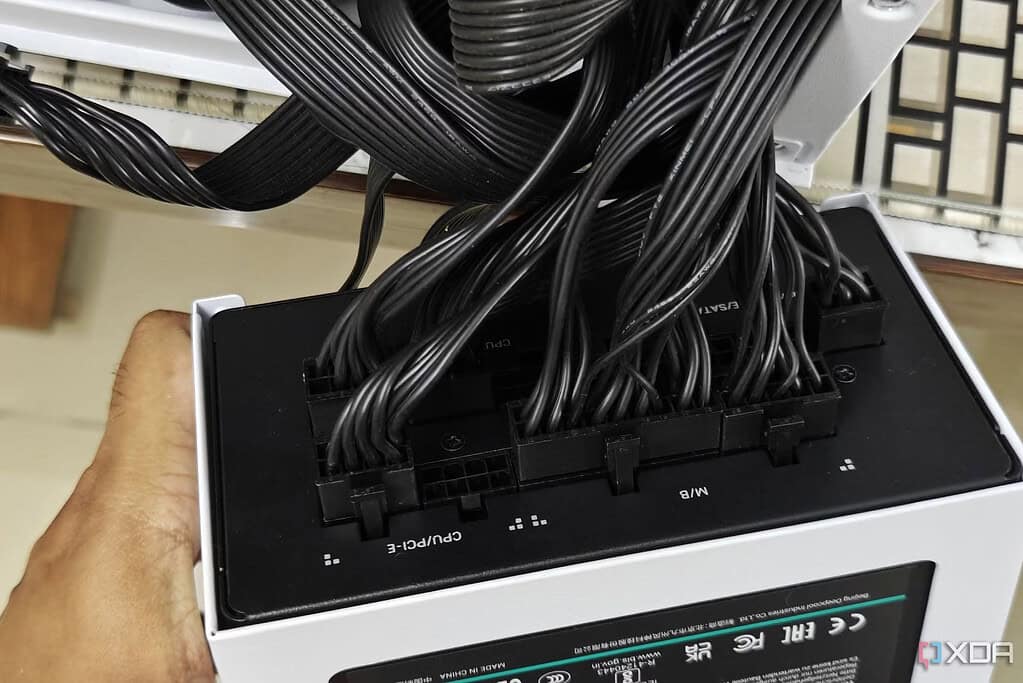
While not directly performance-related, modular PSUs reduce clutter, improve airflow, and ease installation. Poor airflow caused by cable mess? Yet another way your power supply holding you back affects performance.
Reputable Brands and Reviews
Stick with well-reviewed brands like Corsair, EVGA, Seasonic, or Be Quiet! Cheap PSUs from unknown brands might be saving you money upfront — but at the cost of power supply holding you back your system’s full potential.
Is Your Power Supply Holding You Back? 6
How to Test If Your Power Supply Is Holding You Back
Use Stress Tests
Run synthetic benchmarks like FurMark or Prime95. If your system crashes or reboots under load, that’s a major sign of your power supply holding you back.
PSU Calculators
Use online power supply calculators (from OuterVision or Cooler Master) to estimate your needs. If your current PSU is under the recommendation, your power supply holding you back could be confirmed.
Swap With a Known Good PSU
If you have access to a similar or higher-rated PSU, swap it temporarily. If issues go away, it’s clear your power supply holding you back is the cause.
BIOS and Event Viewer Warnings
Look for signs of under-voltage or power loss in your BIOS logs or Windows Event Viewer. They’re subtle clues pointing to your power supply holding you back.
Preventing Your Power Supply From Holding You Back
Regular Cleaning and Maintenance
Dust buildup causes overheating and reduced performance. Clean your PSU fan and make sure air can flow freely. Don’t let laziness result in your power supply holding you back.
Don’t Skimp When Building a PC
Invest in a high-quality PSU from the start. A good power supply can outlive multiple builds. Avoiding future headaches starts with avoiding your power supply holding you back in version 1.0.
Plan for Upgrades
Future-proof your build by choosing a PSU with more wattage and the right connectors. Think ahead, or your power supply holding you back will force an expensive mid-build swap.
Monitor Temps and Power Draw
Use software like HWMonitor or AIDA64 to monitor PSU temps and system power draw. Early warnings let you fix issues before your power supply holding you back leads to damage.
Don’t Let Your Power Supply Be the Bottleneck
In the world of PC performance, your PSU might not be flashy — but it’s absolutely essential. If you’re asking “Is my power supply holding me back?”, chances are it just might be. From system instability to upgrade blocks and reduced performance, an underperforming PSU can derail your entire computing experience.
In 2025, with power-hungry GPUs and CPUs more common than ever, it’s critical to invest in a reliable power supply that matches your needs. Don’t overlook this crucial component.
The Illusion of Stability in Modern Updates For most users, operating system updates are something that simply happen. They arrive quietly, often installing in the background, requiring little more than…
Macbook Neo, How Does It Compare To Air & Pro? Over the last few years the laptop market has experienced one of the most significant architectural changes in its history.…
Apple’s latest product announcements mark one of the most significant shifts in the Mac lineup in more than a decade. While Apple routinely updates its hardware with faster chips, incremental…
There is a particular kind of frustration that only a slow computer can produce. It is not dramatic. It is not urgent. It does not scream for attention. Instead, it…
In an era where nearly every aspect of personal computer maintenance and professional life is mediated through digital systems, your computer is no longer a luxury device — it is…
Phone says charging but battery not increasing is one of the most frustrating problems smartphone users face. You plug it in.The lightning bolt appears.It says “Charging.” But the battery percentage…
Apple’s rumour cycle always looks like a thousand disconnected leaks — until you line them up and notice the same themes repeating: AI-first silicon, camera and display differentiation, form-factor experiments (foldables / spatial…
Wi-Fi connected but no internet is one of the most frustrating messages you can see on a computer or laptop. The Wi-Fi icon shows full bars.It says “Connected.”But websites won’t…
Unfortunately, there was an error submitting your request.
Please try again later, or reach out to us directly. You can call us at +44 1429 280955 or email us at sales@kingfishercomputers.co.uk for assistance. We’re here to help you get your computer back up and running!
We’ve received your booking, Our team will get in touch with you shortly to confirm the details. You’re one step closer to having your computer fixed! If you have any urgent questions, feel free to contact us. Otherwise, sit back, and we’ll handle the rest.