Whether you’re gaming, creating, or just want a lightning-fast everyday machine, this PC Build Guide is your go-to for building the perfect setup in 2025. From budget-friendly builds to high-end beasts, we’ve broken it down so you don’t need to be a tech wizard to build your dream PC. This PC Build Guide walks you through everything — part selection, compatibility, and performance benchmarks — all using 2025’s latest hardware.
In this updated PC Build Guide, we’ll explore builds for every budget and use case. Whether you want to game in 4K, stream content, edit videos, or just browse with blazing speed, you’ll find everything you need here. Let’s get building.
Why You Need a 2025 PC Build Guide
The hardware landscape changes quickly. With new GPUs, faster SSDs, and CPUs powered by AI enhancements, a 2025 PC Build Guide is essential. Picking the wrong parts can mean wasted money, poor performance, or compatibility issues. Our guide ensures you’re choosing wisely — whether you’re building your first PC or your fifth.
This PC Build Guide focuses on:
Choosing the best parts for performance and price
Avoiding bottlenecks and compatibility headaches
Balancing current needs with future-proofing
Providing example builds from budget to extreme
Ready to find the right build for you?
The Essential PC Build Components in 2025
CPU — Brains of the Operation
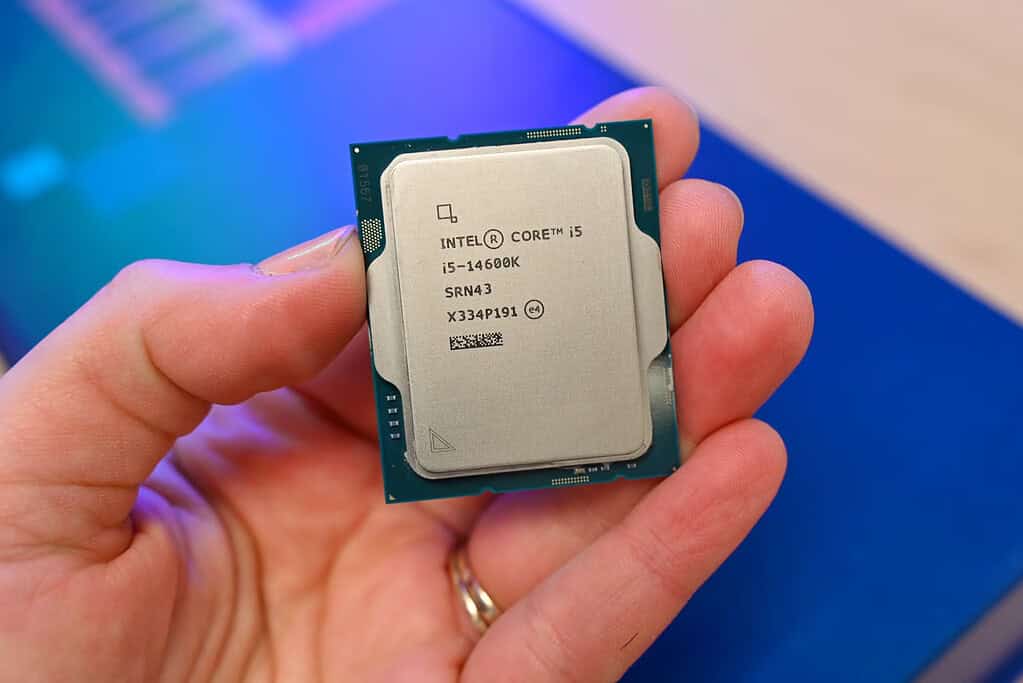
In any PC Build Guide, the CPU is your starting point. For 2025, AMD’s Ryzen 8000 series and Intel’s 14th Gen Core processors are leading the charge. For general use and light gaming, a Ryzen 5 or i5 is more than enough. For high-end gaming or content creation, opt for a Ryzen 9 or i9 with AI-boosted multitasking.
Choosing the right CPU is essential — it determines your motherboard, your RAM speed support, and how future-proof your system is. This is where our PC Build Guide saves you time and confusion.
The Ultimate 2025 Pc Build Guide: Budget To Beast 5
GPU — Graphics Power
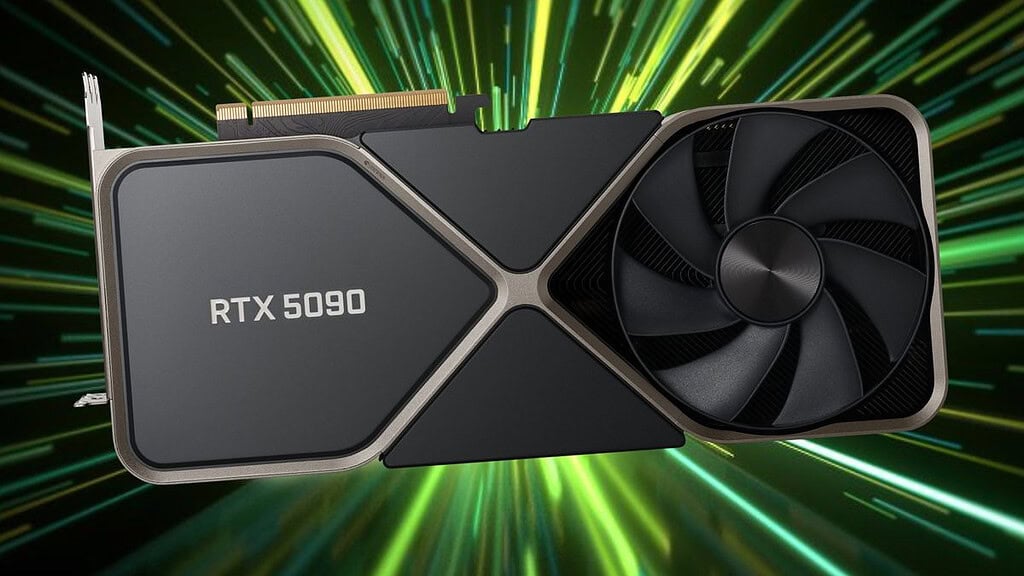
The GPU is where it’s at for gamers and creators. Nvidia’s RTX 5000 series and AMD’s RX 9000 series dominate the market. Budget builders should look at cards like the RTX 4060 or RX 7600. Mid-range builds thrive with RTX 4070 Super, while the RTX 5090 or RX 9070 XT are top-tier for 4K and VR.
The GPU often determines your PC’s gaming capability. In this PC Build Guide, we prioritize GPUs that offer great performance per watt and per pound, especially in mid-range and beast builds.
The Ultimate 2025 Pc Build Guide: Budget To Beast 6
RAM and Storage — Speed Matters
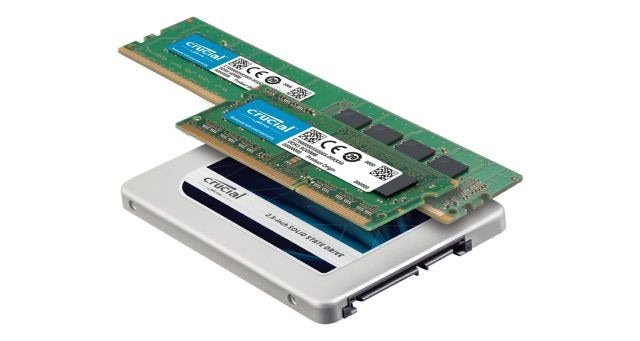
This 2025 PC Build Guide recommends at least 16GB DDR5 RAM for general use, and 32GB+ for high-end builds. DDR5 is now standard. For storage, a 1TB NVMe SSD is your minimum — it’s fast, affordable, and reliable. Creators or gamers should consider 2TB or more, with Gen 4 or Gen 5 drives for best performance.
Fast RAM helps minimize loading times, enables smoother multitasking, and maximizes your CPU performance. Pair that with high-speed SSDs, and you’ve got a machine that flies.
The Ultimate 2025 Pc Build Guide: Budget To Beast 7
Motherboard, PSU & Case — The Foundation
Always match your motherboard with your CPU socket and RAM type. Look for PCIe 5.0 support and multiple M.2 slots. Choose a power supply with at least 80+ Bronze certification, and make sure it provides enough wattage (especially if you’re rocking a powerful GPU). The case? Good airflow and space for upgrades.
Motherboards have gotten smarter, too. Some now support built-in Wi-Fi 7, Bluetooth 5.3, and even onboard AI acceleration. The right pick from this PC Build Guide can future-proof your build for years.
The Ultimate 2025 Pc Build Guide: Budget To Beast 8
Example Builds — Budget to Beast
Let’s break down example builds so you can use this PC Build Guide in a practical way. We’ll cover three tiers: Budget, Mid-Range, and Beast.
Budget Build (~£600 / $750)
Perfect for casual gaming, school, or home use.
CPU: Intel i3-14100 or AMD Ryzen 5 8500G
GPU: Integrated graphics or RX 6500 XT
RAM: 16GB DDR5 5600MHz
Storage: 1TB NVMe SSD
Motherboard: B650 or B760
PSU: 500W 80+ Bronze
Case: Micro ATX with decent airflow
With this entry-level PC Build Guide, you’re getting dependable performance for 1080p gaming, YouTube, schoolwork, and basic productivity.
Mid-Range Build (~£1000 / $1250)
Balanced for gaming, streaming, and light productivity.
CPU: AMD Ryzen 7 8700X or Intel i5-14600K
GPU: RTX 4070 Super or RX 7800 XT
RAM: 32GB DDR5 6000MHz
Storage: 2TB NVMe Gen 4 SSD
Motherboard: X670 or Z790
PSU: 650W 80+ Gold
Case: Mid Tower with mesh front panel
Our PC Build Guide marks this as the sweet spot for most people — excellent value, room to upgrade, and strong 1440p gaming performance.
Beast Build (~£2000+ / $2500+)
Top-tier performance for 4K gaming, streaming, 3D work, and video editing.
CPU: AMD Ryzen 9 8950X or Intel i9-14900K
GPU: RTX 5090 or RX 9070 XT
RAM: 64GB DDR5 6400MHz
Storage: 2TB Gen 5 NVMe SSD + 4TB HDD
Motherboard: X870 or Z890 (PCIe 5.0 & USB4)
PSU: 850W+ 80+ Platinum
Case: Full Tower with RGB, water cooling support
This PC Build Guide is for enthusiasts, content creators, and anyone who wants no compromises. It’s also designed with future GPU and CPU upgrades in mind.
Bonus: Compact or Silent Builds
Not everyone wants a full tower. Mini-ITX builds are great for small spaces or quiet setups. Just be mindful of thermal constraints and limited expansion. Our PC Build Guide includes SFF options for advanced users who want a sleek build without losing power.
Tips for a Smooth Build Process
A proper PC Build Guide isn’t just about parts — it’s about the building process too.
Use a Compatibility Checker
Tools like PCPartPicker (external link) help you ensure every part in your build works together. Even a perfect PC Build Guide won’t help if you mismatch your socket or RAM type.
Don’t Cheap Out on Cooling
2025 CPUs and GPUs run hot. A good air or AIO cooler can keep temps low and performance high. Proper cooling also extends component lifespan.
Cable Management Matters
Clean cable routing improves airflow and makes upgrades easier. Use zip ties and cable combs. Many cases now come with built-in cable guides.
Update BIOS and Drivers
After assembly, visit your motherboard manufacturer’s site and grab the latest BIOS and drivers. It solves bugs and boosts performance.
Consider OS and Peripherals
This PC Build Guide recommends budgeting for Windows 11, a decent keyboard and mouse, and at least a 1080p 144Hz monitor. Don’t forget audio if you’re not using a headset.
Backup and Cloud Integration
Use cloud services for key files and settings before you migrate to your new system. Apps like OneDrive, Google Drive, and Dropbox can speed up setup and restore.
Build Smart with This 2025 PC Build Guide
The PC Build Guide for 2025 is all about balance: performance, value, and future-proofing. Whether you’re spending £600 or £2,000, you now have the blueprint to build something amazing. Don’t rush, plan your build, and enjoy the process.
The Illusion of Stability in Modern Updates For most users, operating system updates are something that simply happen. They arrive quietly, often installing in the background, requiring little more than…
Macbook Neo, How Does It Compare To Air & Pro? Over the last few years the laptop market has experienced one of the most significant architectural changes in its history.…
Apple’s latest product announcements mark one of the most significant shifts in the Mac lineup in more than a decade. While Apple routinely updates its hardware with faster chips, incremental…
There is a particular kind of frustration that only a slow computer can produce. It is not dramatic. It is not urgent. It does not scream for attention. Instead, it…
In an era where nearly every aspect of personal computer maintenance and professional life is mediated through digital systems, your computer is no longer a luxury device — it is…
Phone says charging but battery not increasing is one of the most frustrating problems smartphone users face. You plug it in.The lightning bolt appears.It says “Charging.” But the battery percentage…
Apple’s rumour cycle always looks like a thousand disconnected leaks — until you line them up and notice the same themes repeating: AI-first silicon, camera and display differentiation, form-factor experiments (foldables / spatial…
Wi-Fi connected but no internet is one of the most frustrating messages you can see on a computer or laptop. The Wi-Fi icon shows full bars.It says “Connected.”But websites won’t…
Unfortunately, there was an error submitting your request.
Please try again later, or reach out to us directly. You can call us at +44 1429 280955 or email us at sales@kingfishercomputers.co.uk for assistance. We’re here to help you get your computer back up and running!
We’ve received your booking, Our team will get in touch with you shortly to confirm the details. You’re one step closer to having your computer fixed! If you have any urgent questions, feel free to contact us. Otherwise, sit back, and we’ll handle the rest.