Kingfisher Computers Explains the Truth About Modern PC Protection
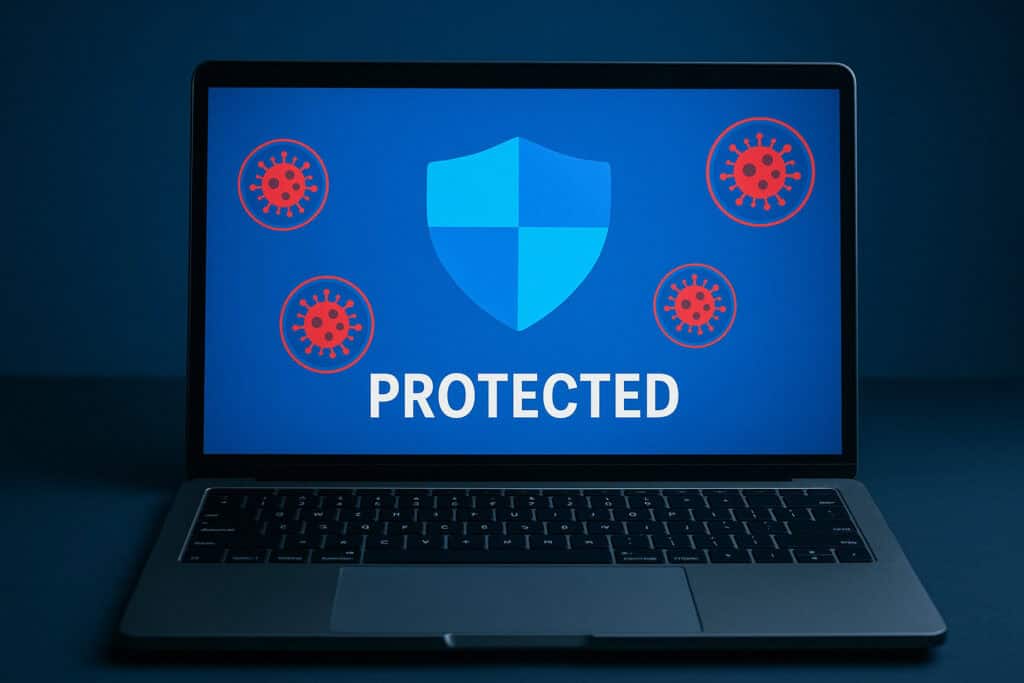
In a time when computers are smarter, cloud services are more secure, and Windows updates constantly improve your system, it’s a fair question: Do you still need antivirus software in 2025? The answer might surprise you — especially if you’re using Windows 10 or 11.
At Kingfisher Computers, we’ve seen it all — from outdated security suites slowing down perfectly good PCs to ransomware attacks that could’ve been avoided with simple precautions. Here’s what we think every PC user in Hartlepool (and beyond) needs to know.
✅ Microsoft Defender Is Better Than You Think
🛡️ Do You Really Need Antivirus Software In 2025? 3
Gone are the days when “Windows Defender” was laughed off as weak protection. In 2025, Microsoft Defender (now part of Windows Security) offers:
Real-time threat detection
Cloud-delivered protection
Built-in firewall
Ransomware protection
Reputation-based blocking for downloads and apps
It runs quietly in the background, gets updated automatically with Windows, and uses fewer system resources than many third-party programs. For most users, it’s more than enough.
⚠️ The Downsides of 3rd-Party Antivirus Software
We often get customers bringing in laptops that seem “slow” — only to find that their PC is being dragged down by overzealous antivirus suites. Here’s why installing extra antivirus software can sometimes cause more harm than good:
Performance issues: Programs like McAfee, Norton, or Avast can hog CPU and RAM, especially on older machines.
Pop-ups & bloatware: Many “free” antivirus programs bombard you with ads, upsells, or trial renewals.
False positives: They can flag legitimate programs or block apps unnecessarily.
Conflict with built-in security: Running multiple antivirus systems can cause instability.
In short: If you’ve got Windows Defender running, adding a second antivirus might slow you down more than it protects you.
🧠 But What About Serious Threats Like Ransomware?
🛡️ Do You Really Need Antivirus Software In 2025? 4
Great question. Even with Microsoft Defender, you still need to be smart:
Don’t click suspicious email links
Keep Windows and your apps updated
Use a strong password (and a password manager if needed)
Back up important files regularly (we recommend both local and cloud backups)
If in doubt, ask a pro — like us!
And yes, Microsoft Defender includes controlled folder access to stop ransomware from encrypting your files. But it must be turned on and configured properly.
🧰 What We Recommend at Kingfisher Computers
Here’s our simple 2025 antivirus strategy for everyday users:
Use Microsoft Defender – it’s already built in and works well for most people.
Don’t install multiple antivirus programs – it slows down your machine and causes conflicts.
Keep your system updated – Windows and browsers are your first line of defense.
Use a browser with built-in phishing protection – like Chrome, Edge, or Firefox.
Stay alert – common sense is still your best antivirus.
If you’re a business user or handle sensitive data, we may recommend additional tools like Malwarebytes Premium or Bitdefender GravityZone, but only after assessing your setup.
👑 Still Not Sure? Let the King Help.
At Kingfisher Computers, we don’t just fix problems — we help you prevent them. Whether you’re a student, a home user, or a small business owner, digital safety is more important than ever in 2025. And while Microsoft Defender does a great job out of the box, it’s always worth getting a professional opinion to make sure everything is running securely.
We offer cheap system health and antivirus checks in-store. That means we’ll look over your security settings, scan for threats, and recommend the best setup — all without the sales pitch. If you do need something more advanced, we’ll help you choose the right solution without slowing your system down or locking you into expensive subscriptions.
You can trust our friendly team to give honest, jargon-free advice. We’ve been helping Hartlepool stay safe and secure for years, and we’re proud to offer affordable, stress-free tech services for everyone — whether it’s a one-time scan or a full tune-up.
👉 Bring your laptop or PC to our shop at:
📍 38 Church Street, Hartlepool, TS24 7DG 📞 Call us on: 01429 280955 💬 Message us directly through Facebook for quick support or to book an appointment.
Don’t leave your digital safety to chance. Let Kingfisher Computers protect your device — so you can focus on what really matters: working, browsing, creating, and connecting, worry-free.
🔐 Final Word: You Probably Don’t Need Extra Antivirus in 2025
For most everyday users, Microsoft Defender is more than enough to keep your PC safe in 2025 — especially if you follow basic digital hygiene: keep your system updated, avoid suspicious links or downloads, and browse responsibly using secure, modern browsers like Edge or Chrome.
Thanks to real-time protection, automatic threat updates, and low system impact, Defender covers most of what people used to rely on paid antivirus software for. It works quietly in the background and is designed to integrate seamlessly with Windows — meaning fewer interruptions and better overall performance.
That said, no antivirus is perfect. Threats are constantly evolving, and even well-protected systems can be caught off guard by phishing scams, fake software updates, or malicious email attachments. So while Defender is a great default option, it’s always wise to stay informed — and when in doubt, speak to a professional.
If you’re ever unsure whether your system is truly protected, or if you’re noticing slow performance, strange popups, or unusual behaviour — don’t take risks. Bring your device in and let Kingfisher Computers give it a full checkup. Peace of mind is just a visit away.
The Illusion of Stability in Modern Updates For most users, operating system updates are something that simply happen. They arrive quietly, often installing in the background, requiring little more than…
Macbook Neo, How Does It Compare To Air & Pro? Over the last few years the laptop market has experienced one of the most significant architectural changes in its history.…
Apple’s latest product announcements mark one of the most significant shifts in the Mac lineup in more than a decade. While Apple routinely updates its hardware with faster chips, incremental…
There is a particular kind of frustration that only a slow computer can produce. It is not dramatic. It is not urgent. It does not scream for attention. Instead, it…
In an era where nearly every aspect of personal computer maintenance and professional life is mediated through digital systems, your computer is no longer a luxury device — it is…
Phone says charging but battery not increasing is one of the most frustrating problems smartphone users face. You plug it in.The lightning bolt appears.It says “Charging.” But the battery percentage…
Apple’s rumour cycle always looks like a thousand disconnected leaks — until you line them up and notice the same themes repeating: AI-first silicon, camera and display differentiation, form-factor experiments (foldables / spatial…
Wi-Fi connected but no internet is one of the most frustrating messages you can see on a computer or laptop. The Wi-Fi icon shows full bars.It says “Connected.”But websites won’t…
Unfortunately, there was an error submitting your request.
Please try again later, or reach out to us directly. You can call us at +44 1429 280955 or email us at [email protected] for assistance. We’re here to help you get your computer back up and running!
We’ve received your booking, Our team will get in touch with you shortly to confirm the details. You’re one step closer to having your computer fixed! If you have any urgent questions, feel free to contact us. Otherwise, sit back, and we’ll handle the rest.