Dead device repair: What happens when you bring a ‘dead’ device into our repair shop

Dead device repair is one of the most common reasons customers walk through the door at Kingfisher Computers.

A laptop that won’t turn on.
A PC with no lights.
A tablet that looks completely lifeless.

To most people, a dead device feels final.
But in reality, many “dead” devices are not dead at all — they’re simply stuck, protected, or failing in very specific ways.

This guide explains exactly what happens during a dead device repair, what we check first, what can usually be fixed, and when it honestly isn’t worth repairing.

Everything is explained simply, clearly, and without scary tech jargon.

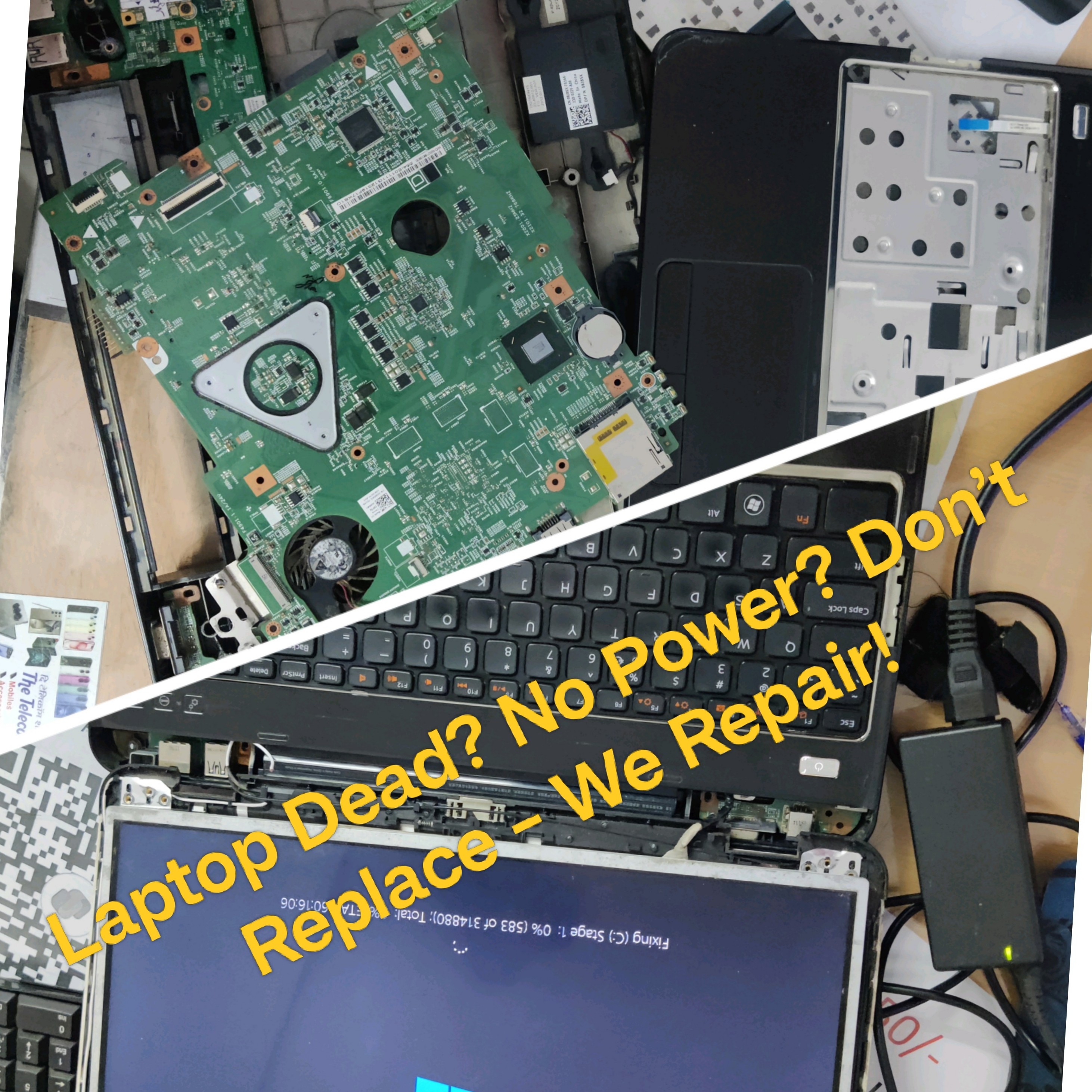
dead device repair
dead device repair

What we mean by a “dead” device

When customers say a device is dead, they usually mean:

  • It won’t turn on
  • No lights appear
  • No fan noise
  • No screen activity
  • No charging response

From the outside, it looks completely lifeless.

But in dead device repair, appearances can be misleading.

A device can look dead while still having:

  • Power reaching the board
  • A working CPU
  • Recoverable data
  • Repairable faults

Our job is to figure out which kind of dead it actually is.

What happens first during a dead device repair

The moment a dead device arrives at our shop, we do not press the power button repeatedly.

That might sound odd — but repeated power attempts can sometimes make things worse.

Instead, every dead device repair starts with controlled diagnostics.

Step one: visual and safety inspection

Before power is even applied, we inspect the device.

We look for:

  • Liquid damage
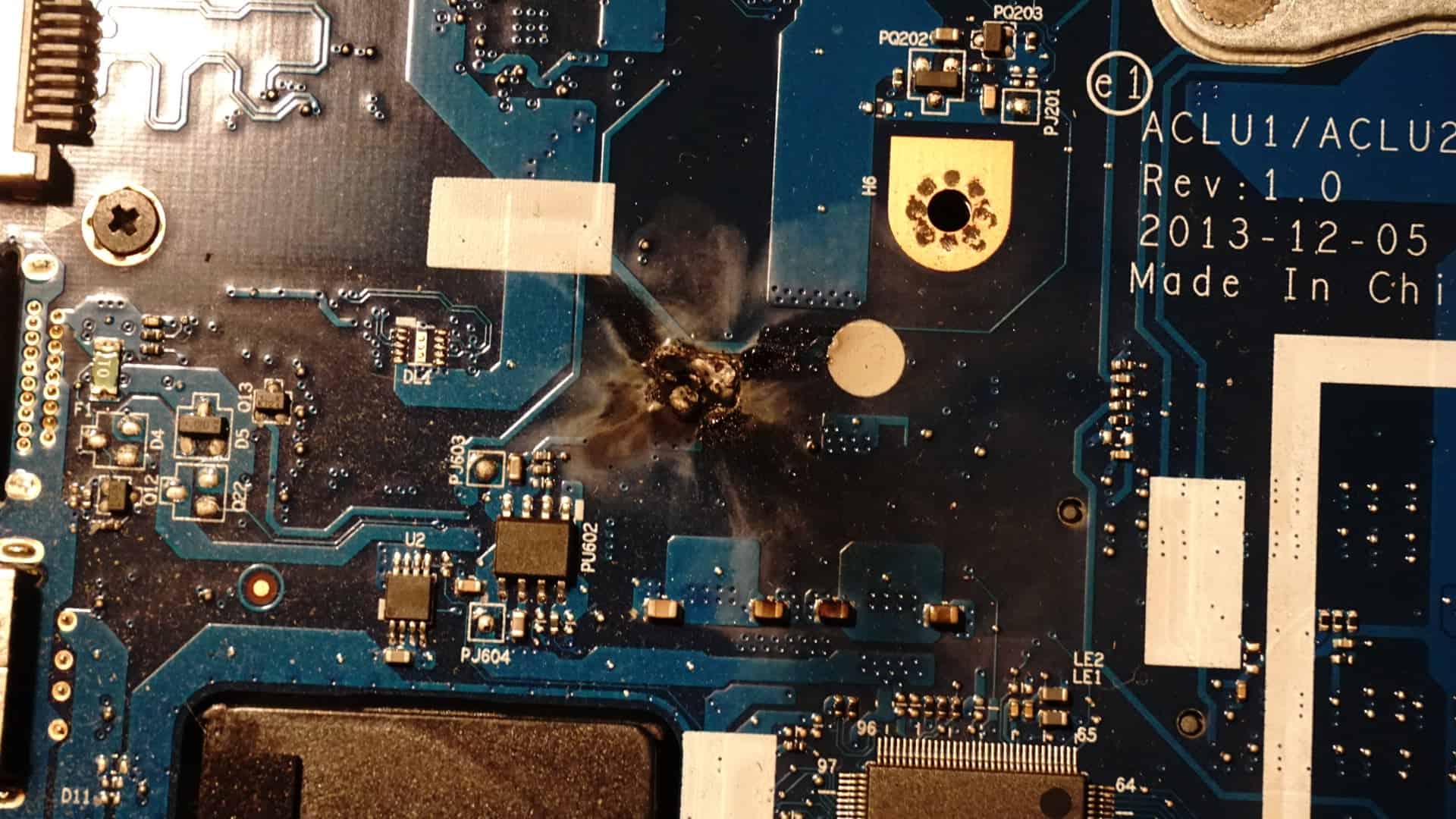
  • Burn marks
  • Swollen batteries
  • Broken ports
  • Signs of previous repair

This step protects both your data and the device itself.

If liquid damage is found, we stop and explain the risks before continuing.

https://www.kingfishercomputers.co.uk/liquid-damage-repair/

Step two: external power testing

Many dead device repairs end here — in a good way.

We test:

  • Chargers
  • Power leads
  • Power sockets
  • Voltage delivery

A surprising number of “dead” devices are simply not receiving correct power.

This is especially common with:

  • Third-party chargers
  • Worn charging cables
  • Loose DC ports

Is this worth repairing?

Almost always

These are usually quick, low-cost fixes.

Step three: battery and charging checks

Modern devices rely heavily on battery communication.

During a dead device repair, we check:

  • Battery voltage
  • Battery health
  • Charging controller response

A battery can:

  • Be fully dead
  • Be locked by protection circuits
  • Prevent startup entirely

In some cases, disconnecting the battery safely allows the device to wake up immediately.

This is extremely common in laptops and tablets.

Why dead devices often aren’t actually broken

Here’s something most people don’t realise:

Modern devices are designed to shut themselves down to prevent damage.

This can happen if:

  • Voltage drops too low
  • Temperature spikes
  • Firmware crashes
  • Power delivery fails

When this happens, the device looks dead — but it’s actually protecting itself.

This is why professional dead device repair matters.

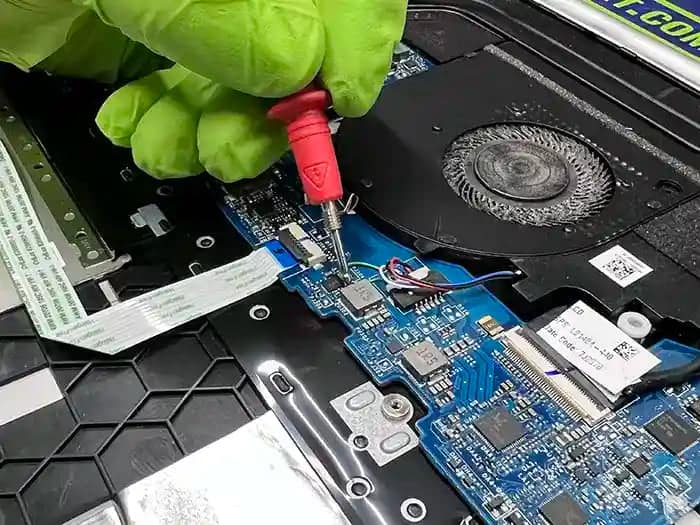
dead device repair
dead device repair
dead device repair

Step four: internal power rail testing

If external power and battery checks pass, we move deeper.

At this stage of a dead device repair, we check:

  • Power rails
  • Voltage regulators
  • Short circuits
  • Power sequence behaviour

This tells us where the power stops.

Think of it like checking a road:

  • Is electricity entering the device?
  • Does it reach the CPU?
  • Does it reach memory?
  • Does it reach storage?

If power stops at a certain point, we know where the fault lives.

Step five: minimal boot testing

Before assuming the worst, we strip the device down to essentials.

This means testing with:

  • No storage
  • Minimal memory
  • External display where possible

Many dead device repairs come back to life at this stage.

Why?

Because one failed component can stop everything from turning on.

Dead device repair vs data recovery

This is an important distinction.

Sometimes the device itself is not worth repairing — but your data still is.

During diagnostics, we assess:

  • Storage health
  • Encryption status
  • Recovery options

If the device cannot be economically repaired, we pause and explain data recovery choices clearly.

https://www.kingfishercomputers.co.uk/data-recovery/

Common dead device repair cases we fix daily

Let’s talk about what we actually see most often.

Dead laptops caused by battery failure

This is extremely common.

Symptoms:

  • No power
  • No charging light
  • Works briefly when unplugged

Cause:

  • Battery protection lockout
  • Internal short
  • Age-related failure

Is this worth repairing?

Yes

Battery replacement or reset often fully restores the device.

Dead PCs caused by power supply failure

Desktop PCs rely on stable power.

Symptoms:

  • No lights
  • No fan
  • Clicking noise
  • Random shutdowns

Cause:

  • Failed PSU
  • Power surge damage

Is this worth repairing?

Yes

Power supplies are affordable and quick to replace.

Dead devices after Windows updates

This catches people off guard.

A device works fine, updates overnight, and then appears dead.

Cause:

  • Firmware conflicts
  • Boot corruption
  • Storage errors exposed by updates

Is this worth repairing?

Often yes

Software-level dead device repairs are very common.

https://support.microsoft.com/windows/troubleshoot-windows-startup-problems

When a dead device repair starts becoming uneconomical

This is where honesty matters.

Some dead device repairs are technically possible — but financially poor decisions.

Dead devices with motherboard failure

Motherboard faults can include:

  • Shorted chips
  • Burnt components
  • Internal layer damage

These repairs are:

  • Time-intensive
  • Expensive
  • Not always reliable long-term

Is this worth repairing?

Often no (on older devices)

We explain this clearly before proceeding.

Dead devices caused by liquid damage

Liquid damage is unpredictable.

Even if we revive the device:

  • Corrosion can spread
  • Failures can return later

Is this worth repairing?

⚠️ Depends

Data recovery is often worthwhile.
Full repair is evaluated carefully.

How we decide if a dead device repair is worth it

We use three simple rules:

  1. Repair cost vs device value
  2. Reliability after repair
  3. Your actual usage needs

We don’t push repairs that don’t make sense.

What the customer experience looks like during a dead device repair

One thing we hear a lot is:

“I thought you’d just plug it in and tell me it’s dead.”

That’s not how dead device repair works at Kingfisher Computers.

From the moment your device arrives, we focus on clarity and communication, not guesswork.

What we explain to you upfront

Early in the dead device repair process, we explain:

  • What we’ve checked so far
  • What the likely fault is
  • Whether repair is realistic or not
  • Whether your data is at risk
  • What the next step would cost

We don’t move forward silently.

No surprises.
No pressure.

How long a dead device repair usually takes

This depends on what’s wrong — but we set expectations clearly.

Typical timeframes

  • Simple power or battery issues: same day or next day
  • Software-related dead devices: 1–2 days
  • Deeper hardware diagnostics: 2–4 days
  • Data recovery-only cases: varies by storage health

If a dead device repair is going to take longer, we tell you why.

What we ask customers NOT to do with a dead device

This part is important — and often overlooked.

Before bringing a dead device to us, please avoid the following.

Do not repeatedly press the power button

Repeated power attempts can:

  • Worsen short circuits
  • Damage charging controllers
  • Lock batteries into protection mode

If the device doesn’t respond after a few tries, stop.

Do not keep changing chargers or cables randomly

Using the wrong charger can:

  • Deliver incorrect voltage
  • Damage charging circuits
  • Confuse diagnostics

Bring the charger you normally use — even if you think it’s broken.

Do not open the device yourself (unless you know exactly what you’re doing)

We often see dead device repairs complicated by:

  • Stripped screws
  • Torn battery connectors
  • Missing shielding
  • Incorrect reassembly

If something goes wrong inside, repair costs rise fast.

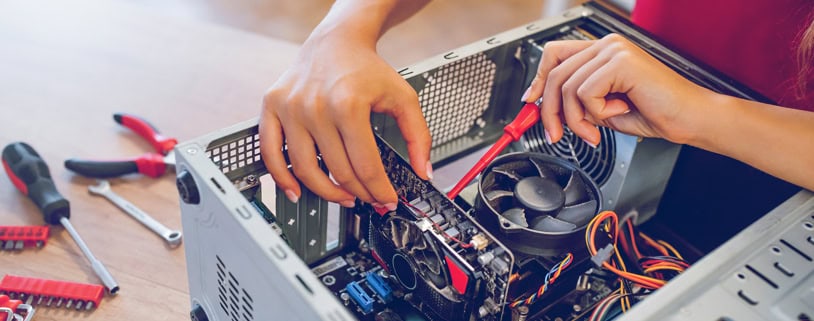
dead device repair
dead device repair

Dead device repair and your data: what you should know

For most people, data matters more than the device.

Photos.
Documents.
Work files.
Memories.

During a dead device repair, we always think about data first.

When data is safe during a dead device repair

Your data is usually safe if:

  • Storage isn’t physically damaged
  • Encryption hasn’t been triggered
  • No liquid reached the drive

In these cases, even if the device can’t be repaired, data recovery is often straightforward.

When data recovery becomes more complex

Data recovery becomes harder when:

  • Storage chips are damaged
  • Drives have electrical shorts
  • Encryption keys are lost

We explain these risks clearly before attempting recovery.

https://www.kingfishercomputers.co.uk/data-recovery/

Why honest advice matters with dead device repair

This is where many repair shops differ.

Some will:

  • Attempt repairs that don’t last
  • Replace parts blindly
  • Avoid saying “it’s not worth it”

That’s not how we operate.

If a dead device repair:

  • Costs more than replacement
  • Has poor long-term reliability
  • Puts your data at risk

We will tell you — clearly.

Real examples of honest dead device repair outcomes

Here are situations we see every week.

Example 1: “Dead” laptop that only needed a battery reset

Customer thought the laptop was completely dead.
No lights. No response.

Result:

  • Battery protection reset
  • Device powered on immediately
  • Data intact

Outcome:
✅ Fully repaired, minimal cost

Example 2: Dead PC after power surge

Desktop PC wouldn’t turn on at all.

Result:

  • Failed power supply identified
  • PSU replaced
  • System fully functional

Outcome:
✅ Worth repairing

Example 3: Liquid-damaged laptop

Laptop appeared dead after a spill.

Result:

  • Severe corrosion found
  • Repair cost exceeded value

Outcome:
⚠️ Data recovered, repair declined

dead device repair

How we help you decide what to do next

At the end of diagnostics, every dead device repair reaches a decision point.

We help you choose between:

  • Repairing the device
  • Recovering your data
  • Replacing the system
  • Or doing nothing

There is no wrong answer — only informed ones.

When dead device repair makes sense

Dead device repair is usually worth it when:

  • The device is under 6–7 years old
  • The fault is isolated
  • Data value is high
  • Repair cost is reasonable

When replacement is the smarter option

Replacement is often better when:

  • Multiple components have failed
  • Motherboard damage is severe
  • Repair cost approaches replacement price
  • Long-term reliability is poor

We’ll explain this in plain English — not technical talk.

Why people trust Kingfisher Computers with dead device repair

Dead device repair requires patience, experience, and honesty.

We don’t:

  • Guess
  • Rush
  • Oversell

We diagnose properly, explain clearly, and respect your decision.

Whether your device lives again or not, you’ll know exactly why.

Final thoughts: a dead device doesn’t always mean the end

A dead device often looks hopeless — but many aren’t.

With the right diagnostics, experience, and care, dead device repair can:

  • Save your data
  • Save your device
  • Save you money

And when it can’t — we’ll be honest about that too.

Need help with a dead device?

If your laptop, PC, or tablet won’t turn on, bring it in and let us take a proper look.

https://www.kingfishercomputers.co.uk/contact/

Computer-repairs-hartlepool-PC-Repairs-Laptop-Repairs-near-me-in-hartlepool-shop-that-repair-computers-apple-mac-iphone-macbook-gaming-pc

Oops! Something Went Wrong

We Couldn't Submit Your Request

Unfortunately, there was an error submitting your request.

Please try again later, or reach out to us directly. You can call us at +44 1429 280955 or email us at sales@kingfishercomputers.co.uk for assistance. We’re here to help you get your computer back up and running!
Computer-repairs-hartlepool-PC-Repairs-Laptop-Repairs-near-me-in-hartlepool-shop-that-repair-computers-apple-mac-iphone-macbook-gaming-pc

Thank You for Booking!

Your Request Has Been Submitted Successfully

We’ve received your booking, Our team will get in touch with you shortly to confirm the details. You’re one step closer to having your computer fixed! If you have any urgent questions, feel free to contact us. Otherwise, sit back, and we’ll handle the rest.
Computer-repairs-hartlepool-PC-Repairs-Laptop-Repairs-near-me-in-hartlepool-shop-that-repair-computers-apple-mac-iphone-macbook-gaming-pc