Friendly and professional rang me to help with my computer issue and ran me though my options recommend their services


Decide what to keep before agreeing to remove it
Tell us the storage types, quantity and whether any files must be returned first. Include loose drives and other media as well as complete computers.
Agree the proposed method, outcome and any available documentation before handover. Do not assume that recycling a computer removes the information stored inside it.
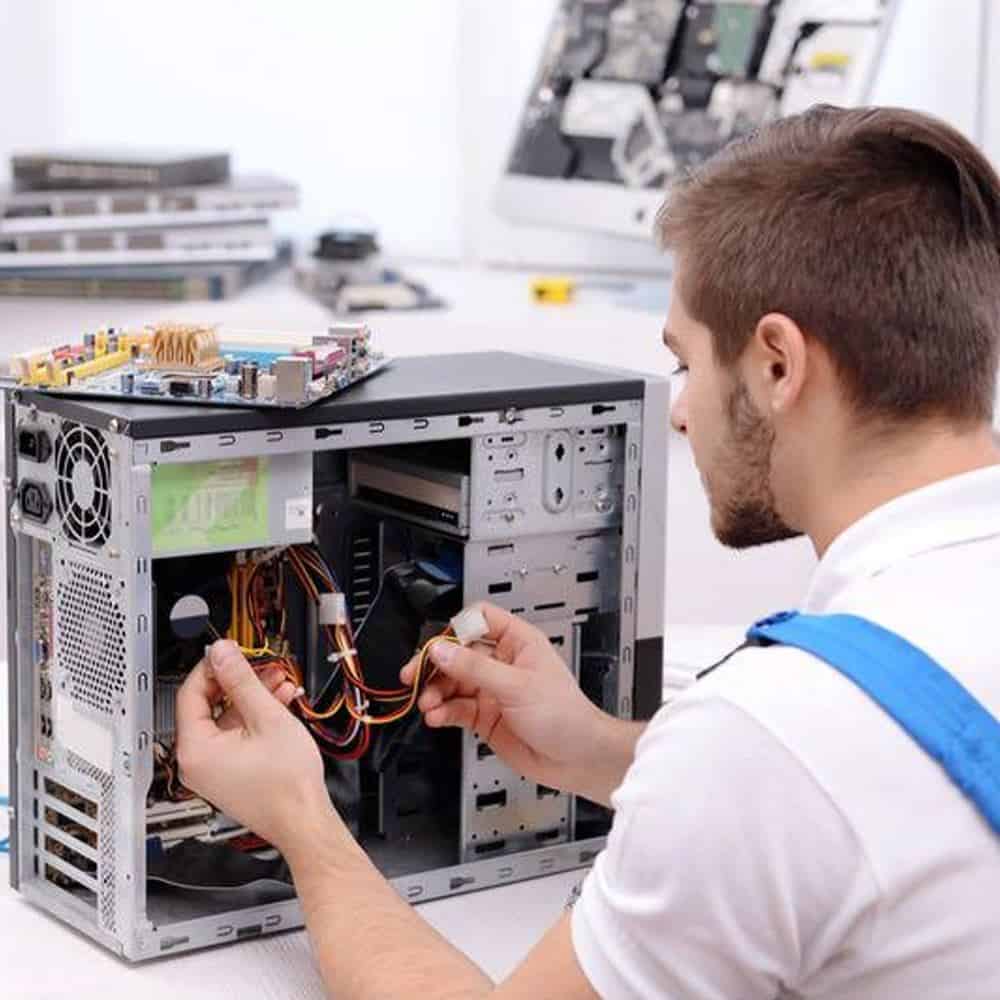
We assess your device, explain the fault and agree the repair costs with you before work begins.
If you decline the quoted repair after diagnosis has started, a £24 diagnostic fee, including VAT, covers our assessment time and technical expertise.
Approve the repair and there is no separate diagnostic fee.
Agree the exact media, who can authorise the work, any files to retain, the proposed method and the required outcome. Ask what documentation is available and confirm costs before handover. The scope of the data destruction service should be clear before any irreversible action.
A computer that will not start may still contain accessible files. Storage can also be present in external drives, removable media and other equipment. Make a list of what you want handled and keep loose drives identifiable.
For a data destruction service enquiry, describe the media and the outcome you need without sending private files. Tell us whether the equipment belongs to you or a business and who is authorised to approve the work. A label on the outside is not a substitute for agreeing which storage devices are included.
Before a data destruction service is agreed, decide whether any files, records or applications are still needed. Check that a separate copy opens correctly. If you cannot retrieve something important, discuss recovery before authorising removal.
Do not treat an old computer as empty because a replacement is already in use. Check less obvious folders, external drives and information needed by somebody else. Tell us which devices or storage you want returned and which actions you have approved.
Erasure and physical destruction are different approaches. The suitable option depends on the media, its condition and whether it is intended for reuse. A quick format or deleting visible files should not be treated as evidence that every stored item has been securely removed.
Our data destruction service conversation covers the available approach and what can be checked afterwards. Ask about any records you require before agreeing the job. Do not assume a particular certification, destruction method or document is included without confirmation.
If equipment is also being retired, discuss IT equipment recycling arrangements separately. Agree the storage treatment, the equipment handover and any charges. This avoids an assumption that handing over hardware authorises every possible action on its information.
The ICO guide to deleting data from old devices explains why faulty equipment can still hold accessible information and why the media type matters. Contact the Hartlepool team to discuss a data destruction service before bringing equipment in.
Yes. A computer that will not start can still contain accessible storage, and a quick format does not establish secure removal. Describe the media and condition so the appropriate next step can be discussed rather than assuming the information has gone.
Tell us before authorising the work. You can discuss returning storage, retaining particular information or a separate recovery enquiry. A data destruction service may be irreversible, so any retention decision belongs before erasure or destruction is agreed.
List the computers, loose drives and other media involved. Confirm ownership and authority to approve the work, and identify anything that must be returned or retained.
Check that required files exist in a separate, usable copy before agreeing to a data destruction service. Do not send personal files, customer records or account passwords in the enquiry.
The model, assessment and any required parts affect the quote and timing. We confirm the proposed work and costs before you decide to proceed. Tell us about any deadline at the start.
Keep an independent backup if the device still works. Tell us if the data is the main priority before any reset, installation or storage work. We explain any access needed; do not send passwords or verification codes with your enquiry.
Our shop is at 38 Church Street, Hartlepool, TS24 7DG. Call 01429 280955 or use the contact page to discuss the service and suitable arrangements before travelling.
Friendly and professional rang me to help with my computer issue and ran me though my options recommend their services
Fixed my PC within a day. Diagnosed quickly, repaired and now working great. Would highly recommend this company! Thank you.
Very helpful and excellent advice, top class work, I highly recommend them for repairs or a new system, you won’t regret it.


Darren Waggott founded Kingfisher Computers in 2004. It was his first business, and he has continued to run and develop it ever since, helping local people and businesses look after their computers.
Kingfisher and The Mining Shop are part of the same business group. Our work across everyday PCs, gaming computers, ASIC miner repairs and data centre hardware brings together complementary technical experience. Kingfisher remains focused on practical computer repair and clear advice from Hartlepool.
Find us at 38 Church Street, Hartlepool, TS24 7DG. Call 01429 280955 with your model and the symptoms before you travel.
Opening hours and visit information · Get directions · Contact our team


No appointment required. You’re welcome to pop into the shop during opening hours.
ENQUIRY RECEIVED
38 Church Street, Hartlepool, TS24 7DG
For home visits and callouts, please wait for us to arrange a time.
No appointment required. You’re welcome to pop into the shop during opening hours.
ENQUIRY RECEIVED
38 Church Street, Hartlepool, TS24 7DG
For home visits and callouts, please wait for us to arrange a time.