Friendly and professional rang me to help with my computer issue and ran me though my options recommend their services


Plan the data and equipment arrangements together
Retiring a computer should not put its files out of your control. Our IT equipment recycling advice starts with what you need to keep, what needs removing and which devices are involved.
Tell us whether this is one household computer or equipment from a business. We will discuss suitable arrangements and any separate data work before you hand anything over.
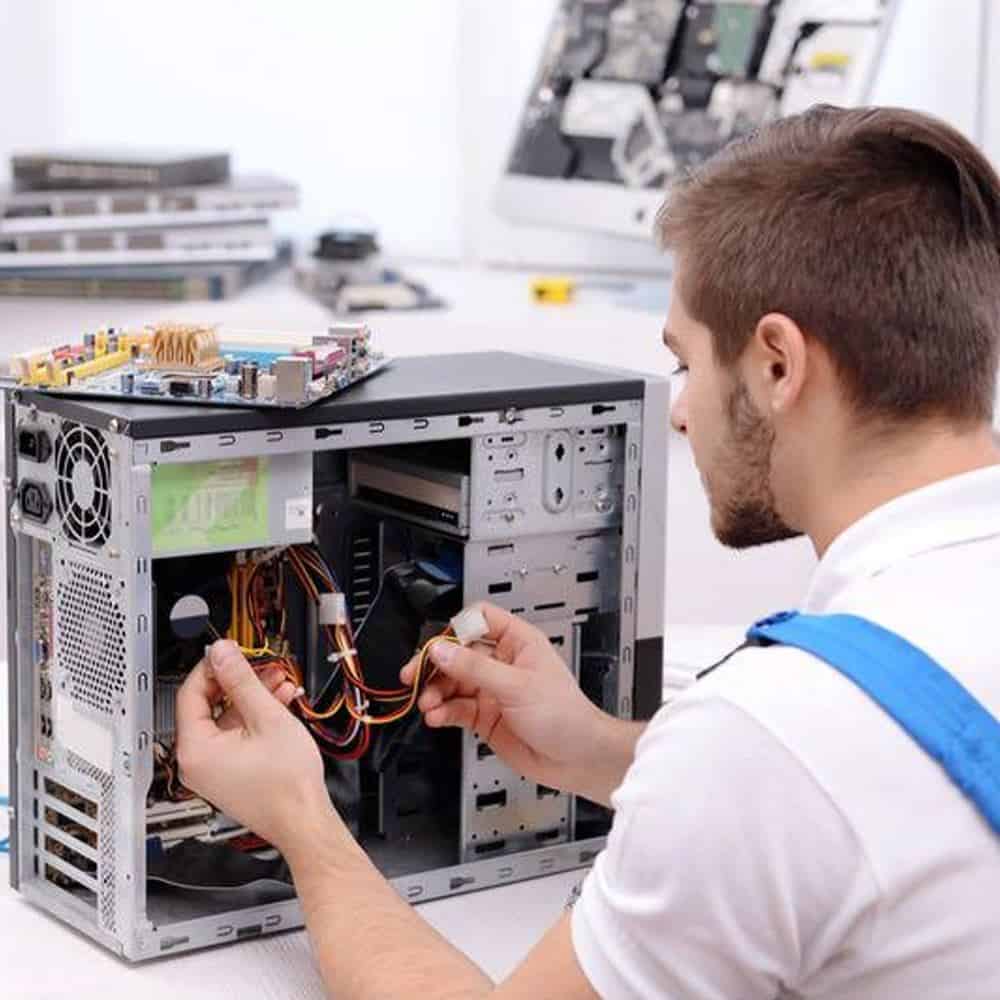
We assess your device, explain the fault and agree the repair costs with you before work begins.
If you decline the quoted repair after diagnosis has started, a £24 diagnostic fee, including VAT, covers our assessment time and technical expertise.
Approve the repair and there is no separate diagnostic fee.
Contact us with the equipment types, approximate quantity and whether the devices are from a home or business. Explain whether you need files returned, data removed or storage kept separately. We will discuss the available arrangements before you bring anything in.
A computer that no longer starts may still contain readable storage. Before arranging IT equipment recycling, list the computers, external drives and other storage you want to retire. Note which devices contain personal files, customer records or information belonging to somebody else.
If you need a file back, say so before agreeing to erase or dispose of anything. Keep the equipment together until the data decision is clear. A replacement computer does not tell you whether every important file has transferred successfully.
Putting files in the bin or deleting a user account is not a promise that the information cannot be recovered. The appropriate next step depends on the storage type, its condition, encryption and what you need to retain.
Discuss whether the storage should be returned, erased or handled through a separate destruction arrangement. Ask what can be checked and what documentation is available. We do not assume that handing over equipment authorises every possible action on its data.
Keep business records and passwords out of the enquiry. The team can explain what information is needed to identify the equipment without asking you to send sensitive files.
If a drive contains the only copy of something important, discuss data recovery before IT equipment recycling. If the priority is removing stored information, ask about data destruction separately.
The ICO guide to deleting data from old devices explains why a faulty computer can still contain accessible personal information. Contact the Hartlepool team to discuss your equipment before making the journey.
No. IT equipment recycling and data removal are separate decisions. Agree the treatment of each storage device before handover, including anything you want returned and any records you need. Do not assume that a computer is free of data because it no longer turns on.
Speak to the team first with the quantity, equipment types and any data requirements. Confirm that you have authority to release them. We can then discuss suitable arrangements, any documentation you need and what should accompany the equipment.
List the equipment and any separate drives. Check that files you want to keep are backed up and open correctly. Tell us about damaged batteries and agree suitable arrangements before travelling.
Do not send passwords, customer records or personal files in your enquiry. Do not erase a drive if you still need help recovering its contents.
The equipment, quantity and any separate data work determine the arrangements and quote. We agree what is included and the cost before you decide. Ask about timing, storage returned to you and any documentation at the same time.
First check that you have a working copy of anything you want to keep. If files are missing or the drive is faulty, tell us before attempting to erase it. Deleting files is not the same as confirming that information cannot be recovered; discuss the appropriate data handling for that device.
Our shop is at 38 Church Street, Hartlepool, TS24 7DG. Call 01429 280955 or use the contact page to discuss the service and suitable arrangements before travelling.
Friendly and professional rang me to help with my computer issue and ran me though my options recommend their services
Fixed my PC within a day. Diagnosed quickly, repaired and now working great. Would highly recommend this company! Thank you.
Very helpful and excellent advice, top class work, I highly recommend them for repairs or a new system, you won’t regret it.


Darren Waggott founded Kingfisher Computers in 2004. It was his first business, and he has continued to run and develop it ever since, helping local people and businesses look after their computers.
Kingfisher and The Mining Shop are part of the same business group. Our work across everyday PCs, gaming computers, ASIC miner repairs and data centre hardware brings together complementary technical experience. Kingfisher remains focused on practical computer repair and clear advice from Hartlepool.
Find us at 38 Church Street, Hartlepool, TS24 7DG. Call 01429 280955 with your model and the symptoms before you travel.
Opening hours and visit information · Get directions · Contact our team


No appointment required. You’re welcome to pop into the shop during opening hours.
ENQUIRY RECEIVED
38 Church Street, Hartlepool, TS24 7DG
For home visits and callouts, please wait for us to arrange a time.
No appointment required. You’re welcome to pop into the shop during opening hours.
ENQUIRY RECEIVED
38 Church Street, Hartlepool, TS24 7DG
For home visits and callouts, please wait for us to arrange a time.