Friendly and professional rang me to help with my computer issue and ran me though my options recommend their services


Make software changes with a clear purpose
Windows XP upgrade options for PCs start with the machine you have and the work it needs to do next. Our Hartlepool team checks practical migration choices before an operating system change is agreed.
Windows XP is an unsupported desktop Windows release. We compare a supported setup with the needs of your existing applications and equipment. A hardware upgrade alone does not settle that decision.
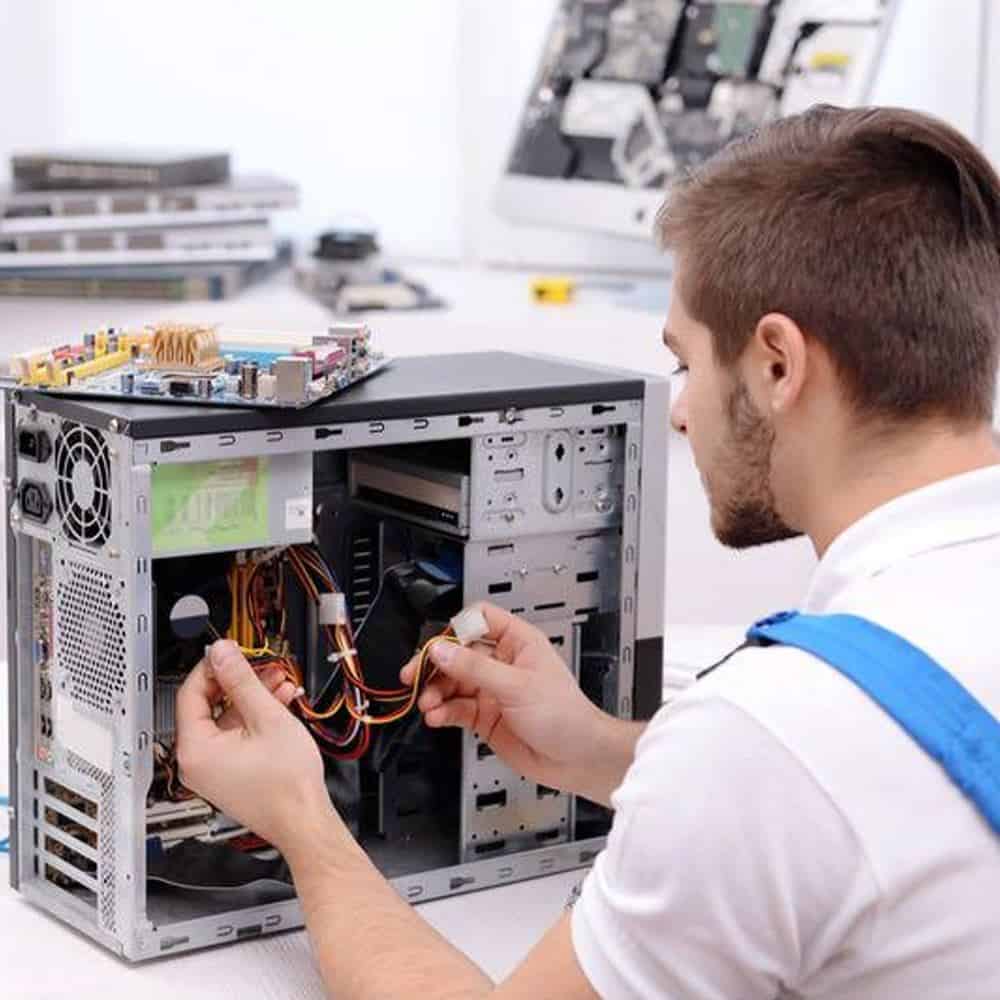
We assess your device, explain the fault and agree the repair costs with you before work begins.
If you decline the quoted repair after diagnosis has started, a £24 diagnostic fee, including VAT, covers our assessment time and technical expertise.
Approve the repair and there is no separate diagnostic fee.
The options depend on the exact hardware and the applications or equipment you need. We compare a supported setup on the existing computer with replacement and a planned transfer. The guidance below explains why moving to another old Windows version is not automatically a useful upgrade.
An XP machine may be kept for an old instrument, program or game. Identify that requirement before deciding what to preserve. A replacement computer running a supported system may be a better everyday option, with the older workflow assessed separately.
Support for the ordinary Windows XP desktop editions ended in April 2014. A working installation or a successful reinstall does not bring that support back. Embedded products can have different names and lifecycles, so we identify the actual edition first.
Read Microsoft’s Windows XP lifecycle record. These dates concern operating system support, rather than a promise that every application or connected device has the same lifecycle.
If your aim is a current Windows installation, compare the actual hardware with Microsoft’s Windows 11 requirements. Eligibility and application compatibility need separate checks. We do not treat an installer starting, or a workaround being available, as proof of a supported setup.
For a desktop, identify the complete PC or motherboard model and any later changes to its parts. A newer graphics card or an SSD does not prove that the processor, firmware and other components meet a current system requirement. List the printers, scanners and other equipment that still needs to work.
For older specialist software, record its exact version, connected equipment and licence arrangements. Moving a document is different from moving the application that opens it. Do not assume a current computer will run every old program or accessory.
Make a short list of everyday tasks that must still work, such as opening a working document or using a required peripheral. If the only copy of important data is on the old computer, discuss backup or recovery before changing its system. A synchronised folder is not automatically an independent backup.
We discuss the proposed supported system, whether the existing computer is suitable and the copying or application setup work included. An operating system licence, replacement software and hardware are separate decisions. If replacement is more practical, the plan should still explain what happens to your old files and equipment.
An upgrade should not imply that every program, account and setting will be carried across. Some moves require a clean setup and applications installed again. Compare Windows XP reinstallation advice for PCs if erasing or recreating the existing installation is being considered.
Agree useful handover checks before work begins: normal startup, access to the files named in the plan and operation of the applications or devices identified beforehand. For a broader discussion, use our Windows upgrade service. Contact the Hartlepool team about your desktop PC with the model, current system and what you need to achieve.
For background reading before discussing this service: Computer Upgrades Explained: Why Some Computers Are Impossible to Upgrade (And How to Tell Before You Waste Money). For other work, browse our repair services.
We need its exact model or component details before answering. Processor, firmware and security capabilities matter alongside storage and memory. A computer starting successfully on its current system does not prove eligibility for Windows 11, and software requirements need checking separately.
That must be agreed as part of the migration plan. Protect important files with an independent backup, then identify applications, installers and legitimate licences that will be needed. A transfer of documents does not automatically reinstall the software used to open them.
Tell us the desktop PC model, exact Windows edition and why you are considering a different system.
List any changed components and the equipment connected to the PC. Check an independent backup and locate application installers privately. Do not send passwords, recovery keys or licence codes in the enquiry.
For older specialist software, record its exact version, connected equipment and licence arrangements. Moving a document is different from moving the application that opens it. Do not assume a current computer will run every old program or accessory. Explain that dependency before deciding which computer and operating system to use. We discuss practical options without promising that reinstalling an old system makes it supported again.
We discuss the machine, the proposed work and its cost before going ahead. A £24 diagnostic fee including VAT applies only if you decline the quoted repair after diagnosis has begun. If you approve the repair, there is no separate diagnostic fee. Software licences, parts and extra recovery work need their own agreement.
Our shop is at 38 Church Street, Hartlepool, TS24 7DG. Call 01429 280955 or use the contact page to discuss the service and suitable arrangements before travelling.
Friendly and professional rang me to help with my computer issue and ran me though my options recommend their services
Fixed my PC within a day. Diagnosed quickly, repaired and now working great. Would highly recommend this company! Thank you.
Very helpful and excellent advice, top class work, I highly recommend them for repairs or a new system, you won’t regret it.


Darren Waggott founded Kingfisher Computers in 2004. It was his first business, and he has continued to run and develop it ever since, helping local people and businesses look after their computers.
Kingfisher and The Mining Shop are part of the same business group. Our work across everyday PCs, gaming computers, ASIC miner repairs and data centre hardware brings together complementary technical experience. Kingfisher remains focused on practical computer repair and clear advice from Hartlepool.
Find us at 38 Church Street, Hartlepool, TS24 7DG. Call 01429 280955 with your model and the symptoms before you travel.
Opening hours and visit information · Get directions · Contact our team


No appointment required. You’re welcome to pop into the shop during opening hours.
ENQUIRY RECEIVED
38 Church Street, Hartlepool, TS24 7DG
For home visits and callouts, please wait for us to arrange a time.
No appointment required. You’re welcome to pop into the shop during opening hours.
ENQUIRY RECEIVED
38 Church Street, Hartlepool, TS24 7DG
For home visits and callouts, please wait for us to arrange a time.