Friendly and professional rang me to help with my computer issue and ran me though my options recommend their services


Find what is slowing you down before changing settings
Slow startup, a busy drive and low frame rates can have different causes. We discuss when the problem happens and which applications are affected, rather than assume that a reset or upgrade is the answer.
PC performance tuning should support the way you use the computer. Agree the symptoms to investigate, the proposed changes and how the result will be checked before work begins.
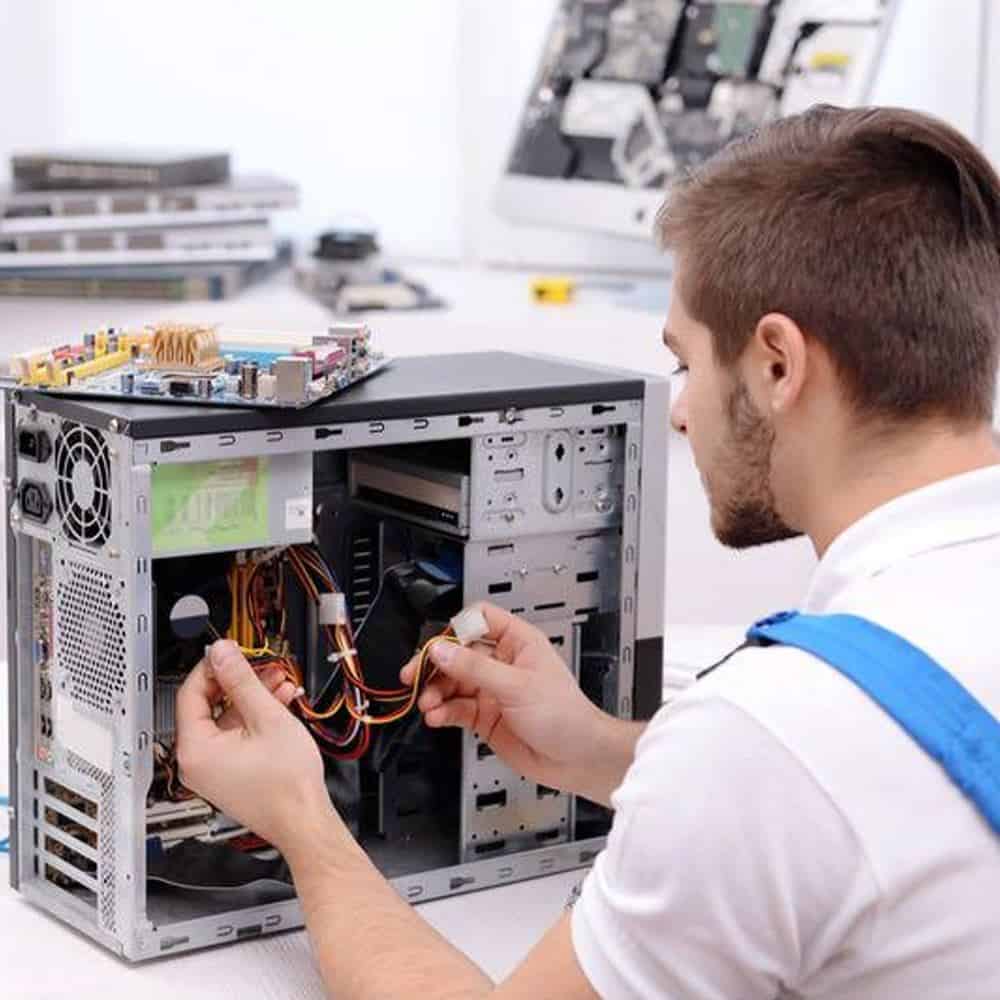
We assess your device, explain the fault and agree the repair costs with you before work begins.
If you decline the quoted repair after diagnosis has started, a £24 diagnostic fee, including VAT, covers our assessment time and technical expertise.
Approve the repair and there is no separate diagnostic fee.
That depends on the cause of the slowdown. Suitable software or configuration changes may help startup or application responsiveness. Hardware limits, faults and the demands of your software still apply. We discuss the specific delay and proposed checks before recommending work.
Describe a repeatable example: how long startup takes, which application pauses, or when a game becomes uneven. Mention whether the behaviour is recent, happens only under load or follows an update. Crashes, unusual drive noises and overheating need a different assessment from an otherwise stable computer that feels slow.
PC performance tuning starts with that distinction. Tell us if important files are the priority before any storage or software work. If a drive may be failing, repeated optimisation attempts are not a substitute for discussing the data first.
Startup applications, background activity, available storage and the demands of your software can affect responsiveness. We discuss the processor, memory, storage and graphics hardware already installed alongside the applications you need to run.
Useful changes depend on the cause. Reducing unnecessary startup activity may help one computer, while another needs a compatible storage upgrade or a different expectation for a demanding application. We explain the options instead of promising a fixed percentage improvement.
PC performance tuning should leave you with a computer you can use confidently. Discuss any proposed software removal, driver change, reset or power setting before it is applied. Keep access to important applications and licences in mind, and agree a backup plan if installation work is needed.
We do not treat disabling security software as a routine speed fix. More aggressive power or performance settings can also affect heat, noise and energy use. Explain whether a quieter machine, steady everyday use or a particular workload matters most to you.
Agree a practical check based on your original example, such as opening the affected application or reviewing startup behaviour. A benchmark result alone may not describe the delay that brought you in. Ask what changed, what limitations remain and whether further work would offer reasonable value.
For PC performance tuning, bring a short record of the symptoms and recent changes. Microsoft also explains common Windows performance checks. If you need help narrowing down the cause, read our computer diagnosis guide or contact our Hartlepool team.
Not necessarily. A focused change may be enough once the cause is understood. If a reset or installation is proposed, agree how files, applications, licences and settings will be handled first. Keep an independent backup and tell us if any application is essential to your work.
It is better to confirm the bottleneck and compatibility first. More memory will not resolve every delay, and a storage upgrade needs to suit the computer and your data plan. Share the model, current specification and symptoms so the options can be discussed before you order parts.
Before PC performance tuning, note when the delay happens, the applications affected and any recent hardware or software changes. Share the computer model and current specification if known. Keep an independent backup, mention essential applications and do not send passwords or verification codes.
The model, assessment and any required parts affect the quote and timing. We confirm the proposed work and costs before you decide to proceed. Tell us about any deadline at the start.
Keep an independent backup if the device still works. Tell us if the data is the main priority before any reset, installation or storage work. We explain any access needed; do not send passwords or verification codes with your enquiry.
Our shop is at 38 Church Street, Hartlepool, TS24 7DG. Call 01429 280955 or use the contact page to discuss the service and suitable arrangements before travelling.
Friendly and professional rang me to help with my computer issue and ran me though my options recommend their services
Fixed my PC within a day. Diagnosed quickly, repaired and now working great. Would highly recommend this company! Thank you.
Very helpful and excellent advice, top class work, I highly recommend them for repairs or a new system, you won’t regret it.


Darren Waggott founded Kingfisher Computers in 2004. It was his first business, and he has continued to run and develop it ever since, helping local people and businesses look after their computers.
Kingfisher and The Mining Shop are part of the same business group. Our work across everyday PCs, gaming computers, ASIC miner repairs and data centre hardware brings together complementary technical experience. Kingfisher remains focused on practical computer repair and clear advice from Hartlepool.
Find us at 38 Church Street, Hartlepool, TS24 7DG. Call 01429 280955 with your model and the symptoms before you travel.
Opening hours and visit information · Get directions · Contact our team


No appointment required. You’re welcome to pop into the shop during opening hours.
ENQUIRY RECEIVED
38 Church Street, Hartlepool, TS24 7DG
For home visits and callouts, please wait for us to arrange a time.
No appointment required. You’re welcome to pop into the shop during opening hours.
ENQUIRY RECEIVED
38 Church Street, Hartlepool, TS24 7DG
For home visits and callouts, please wait for us to arrange a time.