Friendly and professional rang me to help with my computer issue and ran me though my options recommend their services


Identify the platform before planning component work
PC processor upgrades make sense when the processor is limiting the work you actually do and a suitable replacement is supported. More cores or a newer model name do not guarantee that every application will feel faster.
We check your current system, everyday workload and upgrade budget. You can compare keeping the existing platform, changing several components or replacing the computer before agreeing to parts.
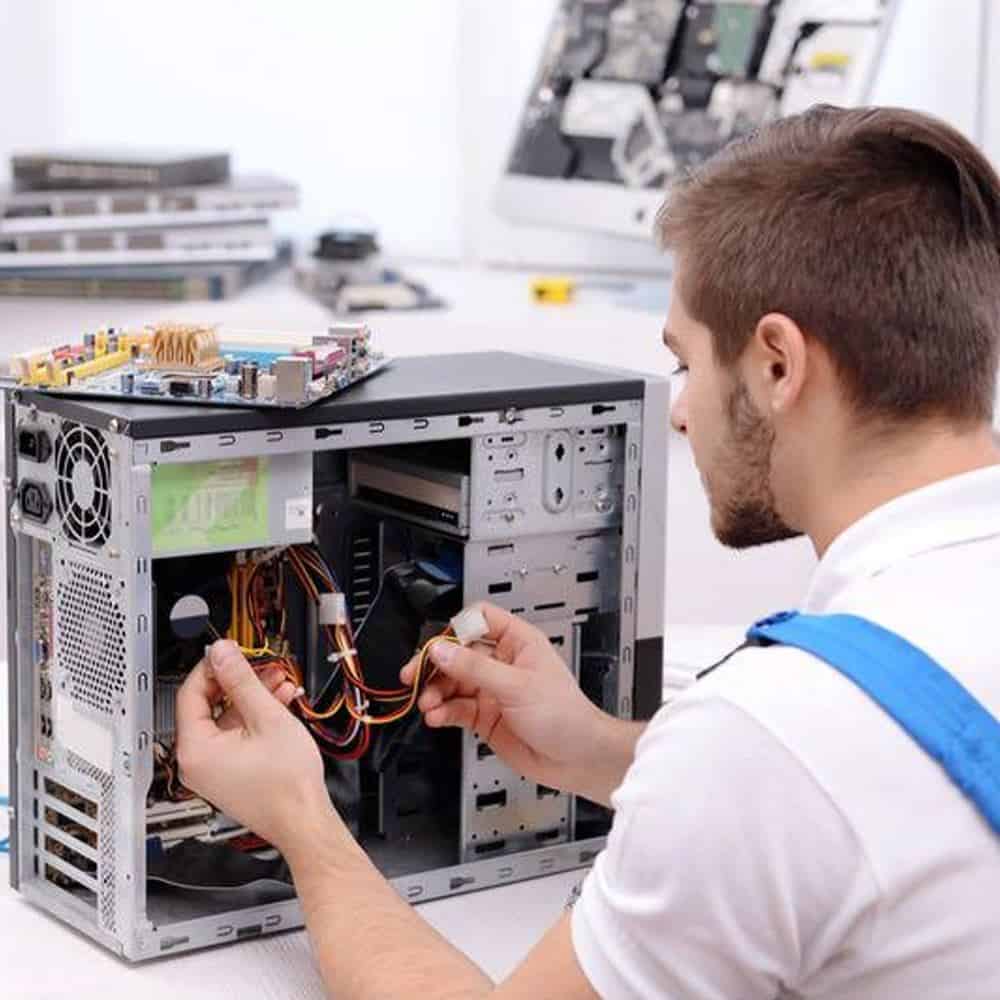
We assess your device, explain the fault and agree the repair costs with you before work begins.
If you decline the quoted repair after diagnosis has started, a £24 diagnostic fee, including VAT, covers our assessment time and technical expertise.
Approve the repair and there is no separate diagnostic fee.
We start with your workload and current specification, then check motherboard support, firmware, cooling and the complete cost. A useful upgrade needs both compatibility and a reason to expect a benefit. The guidance below explains these checks before you choose parts.
Start with an example of the delay. Is it a long video export, a calculation, switching between applications or a game at a particular display resolution? Tell us the software and current specification if you know them. PC processor upgrades should address a real constraint rather than assume that the CPU is responsible for every slow task.
Memory pressure, storage delays, graphics limits and excess heat can also affect performance. A processor change does not resolve a faulty drive or make every program use more cores. We consider the wider system and explain where a different repair or upgrade may be the more useful first step.
If the computer was previously fast enough and has suddenly become unstable, describe that change before choosing parts. An intermittent shutdown or a system that will not start needs fault assessment. Buying a faster processor first can leave the original problem unresolved.
The replacement must be supported by the exact motherboard and its firmware, as well as the socket. Intel’s desktop upgrade guidance explains the need to check board and BIOS support. We use the relevant system or board manufacturer’s information for the proposed part. A similar processor name is not a compatibility check.
A supported upgrade may depend on a particular BIOS version. We discuss any required firmware work before changing the processor, including the existing system’s condition and the appropriate update route. Do not install an unrelated firmware download or assume a file for a similarly named board will work.
Cooling and power also form part of the plan. The cooler needs suitable mounting and space, and the case must allow the proposed arrangement. We check whether existing components can be retained or whether the complete upgrade needs additional parts. A processor price alone is not the same as the cost of a working upgrade.
Moving between incompatible platforms can require a motherboard and memory change as well. That wider job has different setup and software implications. We explain the alternatives so you can compare a supported CPU replacement with a broader rebuild before committing to either.
Tell us which outcome matters most: a shorter recurring task, smoother work in a particular application or keeping a useful computer in service. We can then discuss a suitable way to check the result after fitting. PC processor upgrades cannot promise the same improvement in every workload, and a benchmark score alone may not describe your everyday experience.
Fitting a processor is separate from moving files or reinstalling Windows. Keep a separate backup before hardware work and tell us about important applications, encryption and a managed business setup. If a board change or installation is proposed too, agree that extra scope and any access requirements first. Keep passwords and recovery keys out of your enquiry.
The quote should cover the supported processor, fitting and any agreed firmware, cooling or setup work. We confirm cost and expected timing before proceeding; parts availability and the existing hardware affect both. If your preferred component is unsuitable, we explain why rather than forcing it into an unsupported configuration.
Discuss your current PC, workload and upgrade budget with the Hartlepool team. If you already have a part in mind, provide its full model number before buying it so the complete upgrade can be checked.
For background reading before discussing this service: Computer Upgrades Explained: Why Some Computers Are Impossible to Upgrade (And How to Tell Before You Waste Money). For other work, browse our repair services.
No. The exact board and firmware must support the proposed processor, and cooling and power requirements must be considered. We check the system manufacturer’s information rather than relying on socket shape alone. A processor fitting physically does not prove that the PC will start or operate correctly.
An Intel processor cannot be fitted into an AMD motherboard socket, or the reverse. A platform change needs a compatible motherboard and may also affect memory, cooling and software setup. We compare that complete job with a supported upgrade to your existing system before you decide.
Tell us the PC or motherboard model, current processor, memory and the task you want to improve. Include a proposed processor model if you have one, along with your budget and any deadline.
Keep a separate backup and mention encryption or business management before firmware or platform work. Do not send passwords or recovery keys, and wait for compatibility checks before ordering parts.
The supported processor, fitting and any agreed firmware or cooling work determine the quote. We agree the price before proceeding. If you decline the quoted repair after diagnosis has begun, the £24 diagnostic fee including VAT applies. Approve the repair and there is no separate diagnostic fee.
That depends on what currently limits the task. A graphics card, storage drive or insufficient memory may be more relevant, and applications use processors differently. Tell us the software and settings you use so we can discuss the likely benefit without promising an improvement that the rest of the system cannot deliver.
Our shop is at 38 Church Street, Hartlepool, TS24 7DG. Call 01429 280955 or use the contact page to discuss the service and suitable arrangements before travelling.
Friendly and professional rang me to help with my computer issue and ran me though my options recommend their services
Fixed my PC within a day. Diagnosed quickly, repaired and now working great. Would highly recommend this company! Thank you.
Very helpful and excellent advice, top class work, I highly recommend them for repairs or a new system, you won’t regret it.


Darren Waggott founded Kingfisher Computers in 2004. It was his first business, and he has continued to run and develop it ever since, helping local people and businesses look after their computers.
Kingfisher and The Mining Shop are part of the same business group. Our work across everyday PCs, gaming computers, ASIC miner repairs and data centre hardware brings together complementary technical experience. Kingfisher remains focused on practical computer repair and clear advice from Hartlepool.
Find us at 38 Church Street, Hartlepool, TS24 7DG. Call 01429 280955 with your model and the symptoms before you travel.
Opening hours and visit information · Get directions · Contact our team


No appointment required. You’re welcome to pop into the shop during opening hours.
ENQUIRY RECEIVED
38 Church Street, Hartlepool, TS24 7DG
For home visits and callouts, please wait for us to arrange a time.
No appointment required. You’re welcome to pop into the shop during opening hours.
ENQUIRY RECEIVED
38 Church Street, Hartlepool, TS24 7DG
For home visits and callouts, please wait for us to arrange a time.