Friendly and professional rang me to help with my computer issue and ran me though my options recommend their services


Match the power supply to the actual system
A computer that will not switch on does not automatically need a new power supply. Shutdowns, a blank display and a noisy fan can also have other causes.
We assess the fault before recommending PC power supply replacement. If you are upgrading a working system, we check the proposed hardware, power connections and physical fit so the supply suits the whole computer.
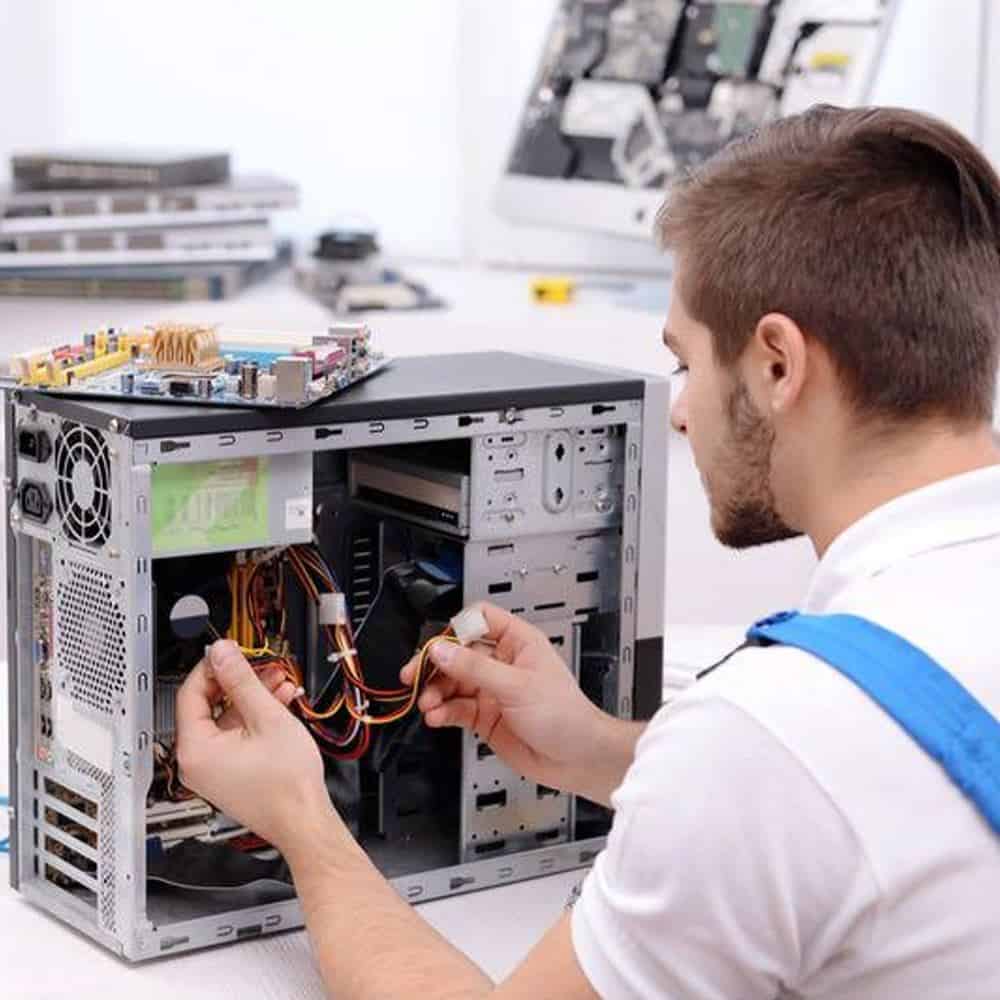
We assess your device, explain the fault and agree the repair costs with you before work begins.
If you decline the quoted repair after diagnosis has started, a £24 diagnostic fee, including VAT, covers our assessment time and technical expertise.
Approve the repair and there is no separate diagnostic fee.
We distinguish a faulty supply from another startup problem, or an upgrade needed for new components. The exact PC, connectors, cable set and physical fit matter. The guidance below explains the assessment and fitting decisions before you agree to a replacement.
Tell us what happens when you press the power button. Does nothing respond, do the fans start briefly, or does the PC run before switching off during a particular task? Describe any recent hardware change and whether the problem began straight afterwards. These observations help an assessment, but none identifies a failed power supply by itself.
A working PC may need a different supply to support planned components. That is a different job from diagnosing a sudden failure. Tell us the graphics card or other parts you intend to fit, rather than choosing a supply from the existing wattage label alone. We consider the proposed system and agree whether a replacement is useful before ordering.
If there is a burning smell, smoke, visible damage or liquid exposure, stop using the computer and contact us about safe arrangements. Do not repeatedly power it on to see whether the fault has cleared. Never open a power supply enclosure, even after disconnecting it. PC power supply replacement means fitting a suitable unit, not asking you to repair the electronics inside it.
The case needs room for the supply and its cable connections. Small desktop systems can use a different supply size or connections from a standard tower. We identify the exact PC, existing unit and installed hardware before discussing a suitable replacement. A matching brand name or a higher wattage is not enough to establish that a unit will fit and connect correctly.
Modular cables need particular care. A connector fitting into a socket does not establish that the wiring is compatible. ASUS explains why modular power supply cables must match the unit. We check the required cable set rather than transferring loose cables from an unrelated supply. Tell us if any cables were changed during an earlier upgrade.
Graphics cards can have different power connections and system requirements. We check the exact card and the supply manufacturer’s supported arrangements. An adapter or cable should not be selected just because its connectors appear to fit. If you are planning several changes, bring the proposed specification so the power supply can be considered alongside the other parts.
We explain the proposed unit, fitting work and any further assessment before you decide. PC power supply replacement costs depend on the compatible part, access and condition of the system. If testing suggests a separate board, graphics or storage fault, we discuss that finding rather than treating a new power supply as a guaranteed cure.
Checks after the agreed work should relate to the original problem. These can include normal startup, connected devices and the workload that previously caused a shutdown. No short test can promise that every unrelated fault has been excluded. Tell us about intermittent behaviour and any deadline so we can discuss suitable checks and expectations.
Power supply work is separate from resetting Windows or moving files. Explain if your data is the priority, especially after a power failure, and keep an independent backup where the PC is safe and usable. Describe the power fault to our Hartlepool team before buying a replacement unit.
For background reading before discussing this service: Computer Upgrades Explained: Why Some Computers Are Impossible to Upgrade (And How to Tell Before You Waste Money). For other work, browse our repair services.
Only use cables confirmed compatible with the exact replacement unit by its manufacturer. Similar plugs and a shared brand do not establish a safe match. Tell us which supply and cables are fitted, including any replacements bought separately. Do not experiment by connecting an uncertain cable.
Not by itself. A suitable supply provides power for the installed hardware; it does not replace the processor, memory or graphics card. A change may be needed for planned components, but a slow working PC needs an assessment of its actual limits before parts are recommended.
Send the full PC model, the symptoms and details of recent component changes. If you already know the power supply and graphics card models, include them. Do not open the supply or turn a damaged computer on to collect details.
Keep a separate backup where safe. Leave passwords and recovery keys out of your enquiry, and contact us before travelling if there has been smoke, liquid or electrical damage.
The compatible unit, fitting access and any wider fault assessment determine the quote. We agree the work and price first. If you decline the quoted repair after diagnosis has begun, the £24 diagnostic fee including VAT applies. Approve the repair and we do not add a separate diagnostic fee.
Fitting a power supply is different from erasing or replacing storage. However, a power fault may have affected other components or interrupted file writes. Tell us about missing files or important data before further work, and keep a separate backup where the computer is safe and usable.
Our shop is at 38 Church Street, Hartlepool, TS24 7DG. Call 01429 280955 or use the contact page to discuss the service and suitable arrangements before travelling.
Friendly and professional rang me to help with my computer issue and ran me though my options recommend their services
Fixed my PC within a day. Diagnosed quickly, repaired and now working great. Would highly recommend this company! Thank you.
Very helpful and excellent advice, top class work, I highly recommend them for repairs or a new system, you won’t regret it.


Darren Waggott founded Kingfisher Computers in 2004. It was his first business, and he has continued to run and develop it ever since, helping local people and businesses look after their computers.
Kingfisher and The Mining Shop are part of the same business group. Our work across everyday PCs, gaming computers, ASIC miner repairs and data centre hardware brings together complementary technical experience. Kingfisher remains focused on practical computer repair and clear advice from Hartlepool.
Find us at 38 Church Street, Hartlepool, TS24 7DG. Call 01429 280955 with your model and the symptoms before you travel.
Opening hours and visit information · Get directions · Contact our team


No appointment required. You’re welcome to pop into the shop during opening hours.
ENQUIRY RECEIVED
38 Church Street, Hartlepool, TS24 7DG
For home visits and callouts, please wait for us to arrange a time.
No appointment required. You’re welcome to pop into the shop during opening hours.
ENQUIRY RECEIVED
38 Church Street, Hartlepool, TS24 7DG
For home visits and callouts, please wait for us to arrange a time.