Friendly and professional rang me to help with my computer issue and ran me though my options recommend their services


Understand the graphics options for your machine
A worthwhile graphics card upgrade starts with the games or applications you use and the monitor you want to drive. We check the rest of the desktop before recommending an NVIDIA or AMD card.
Case space, power connections, airflow and platform support all affect the choice. A card that looks right on a comparison chart may still be unsuitable for a particular tower.
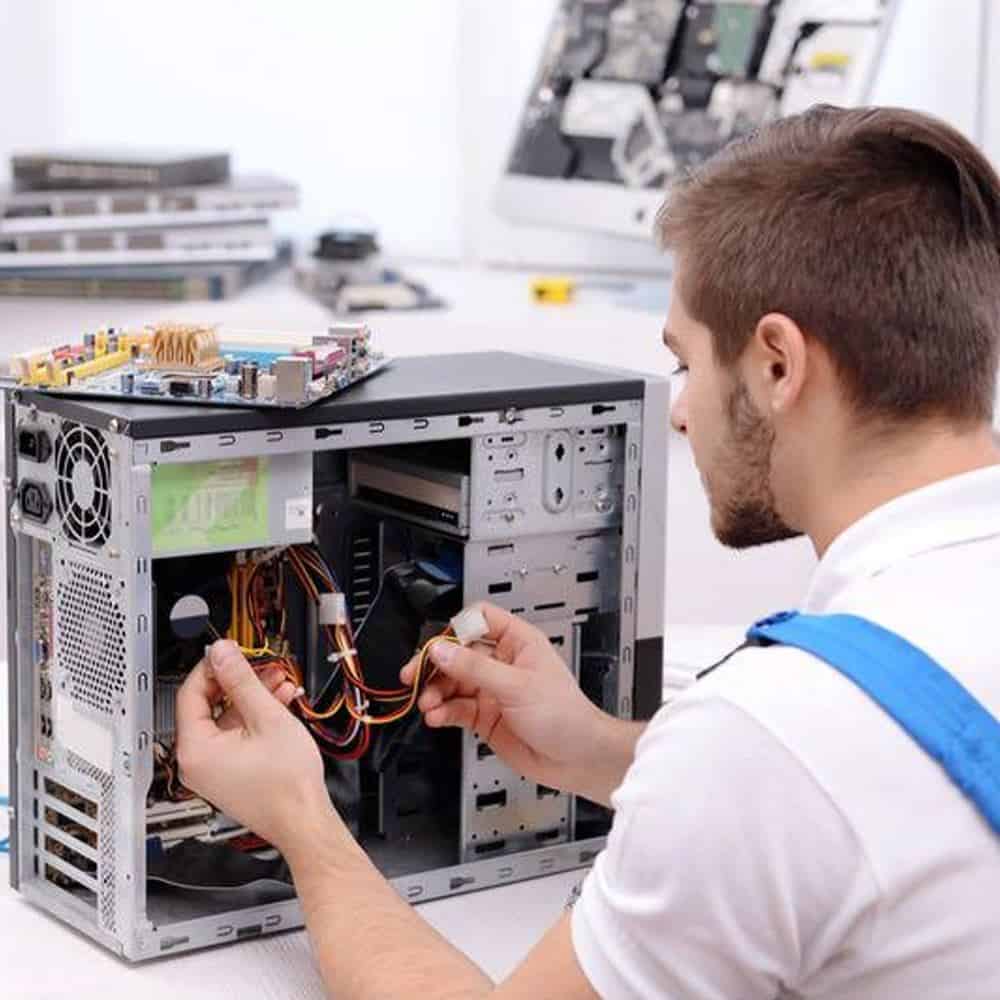
We assess your device, explain the fault and agree the repair costs with you before work begins.
If you decline the quoted repair after diagnosis has started, a £24 diagnostic fee, including VAT, covers our assessment time and technical expertise.
Approve the repair and there is no separate diagnostic fee.
We discuss the result you want, identify the desktop’s existing parts and assess a suitable graphics card with any supporting work. The model, power, case clearance and display requirements inform the proposal. The installation scope, quote and relevant checks are agreed before work proceeds.

Tell us the games or applications you use, your monitor’s resolution and refresh rate, and what you want to improve. A sharper display, smoother gameplay and faster work in a specific application can require different choices. The processor, memory and software also influence the result.
Bring the existing PC specification and a realistic budget for the complete job. If the problem is a recent crash, black screen or visual corruption, describe it first. A replacement card should not be the default answer to an undiagnosed fault.
The exact card’s length, height and thickness must suit the case and available expansion slots. Power connectors need room as well. Cooling clearance, other expansion cards and front mounted equipment can affect the space available. Small or proprietary desktops need particular care.
We check the power supply’s model, capacity and suitable connections against the selected card and system. A larger wattage label alone does not settle every compatibility question. Dell’s upgrade guidance covers the relationship between desktop graphics, power and the wider platform. NVIDIA’s card installation example illustrates why clearance and power requirements belong to an exact model rather than an entire brand.
The quote should identify the proposed card and any supporting work before you decide. Where installation is suitable, discuss the display connections, driver work and checks needed for your normal applications. Tell us about adapters, multiple monitors or specialist software at the start.
A useful handover relates to the system you actually use. Ask what was checked and whether any remaining limitation affects your original goal. We do not guarantee a particular frame rate or treat a new graphics card as a cure for every performance problem.
Read our computer upgrade compatibility guide or browse our repair and support services.
The appropriate choice depends on the application, display, budget and the computer’s compatibility. We compare the exact proposed card with those requirements rather than choosing by brand alone. Tell us if a particular application specifies a graphics feature or supported hardware list.
We need its exact model and the proposed graphics card, together with the rest of the system. Capacity, suitable connections and the manufacturer’s requirements all matter. If supporting power supply work is needed, it should be part of the proposal before you approve the upgrade.
Send the PC or motherboard model, current graphics card, case and power supply model if known. Include monitor resolution, the games or applications you use and your budget for the work.
If you already own a card, provide its exact model before bringing the PC in. Keep a separate backup while the computer is working, and tell us about crashes or previous modifications.
Contact us with the exact card and PC details first. Owning the part does not establish that it fits the case or works with the power supply and platform. We can discuss assessment and installation arrangements once those details are known.
No universal result can be promised before assessment. Faults may need diagnosis, while performance also depends on the processor, game settings, display and application. Explain the original problem and the result you want so that the proposed work addresses a useful goal.
Our shop is at 38 Church Street, Hartlepool, TS24 7DG. Call 01429 280955 or use the contact page to discuss the service and suitable arrangements before travelling.
Friendly and professional rang me to help with my computer issue and ran me though my options recommend their services
Fixed my PC within a day. Diagnosed quickly, repaired and now working great. Would highly recommend this company! Thank you.
Very helpful and excellent advice, top class work, I highly recommend them for repairs or a new system, you won’t regret it.


Darren Waggott founded Kingfisher Computers in 2004. It was his first business, and he has continued to run and develop it ever since, helping local people and businesses look after their computers.
Kingfisher and The Mining Shop are part of the same business group. Our work across everyday PCs, gaming computers, ASIC miner repairs and data centre hardware brings together complementary technical experience. Kingfisher remains focused on practical computer repair and clear advice from Hartlepool.
Find us at 38 Church Street, Hartlepool, TS24 7DG. Call 01429 280955 with your model and the symptoms before you travel.
Opening hours and visit information · Get directions · Contact our team


No appointment required. You’re welcome to pop into the shop during opening hours.
ENQUIRY RECEIVED
38 Church Street, Hartlepool, TS24 7DG
For home visits and callouts, please wait for us to arrange a time.
No appointment required. You’re welcome to pop into the shop during opening hours.
ENQUIRY RECEIVED
38 Church Street, Hartlepool, TS24 7DG
For home visits and callouts, please wait for us to arrange a time.