Friendly and professional rang me to help with my computer issue and ran me though my options recommend their services


Find out what is slowing your computer down
A computer health check looks at how the device behaves during the work that matters to you. A slow startup, an application that keeps closing and a laptop that becomes noisy under load may have quite different causes. The aim is a clear explanation and sensible priorities.
We consider the reported symptoms alongside relevant software, storage and hardware checks. You decide whether to proceed with maintenance, a repair or a compatible upgrade after we explain the findings and costs. A check does not automatically mean replacing parts or reinstalling the system.
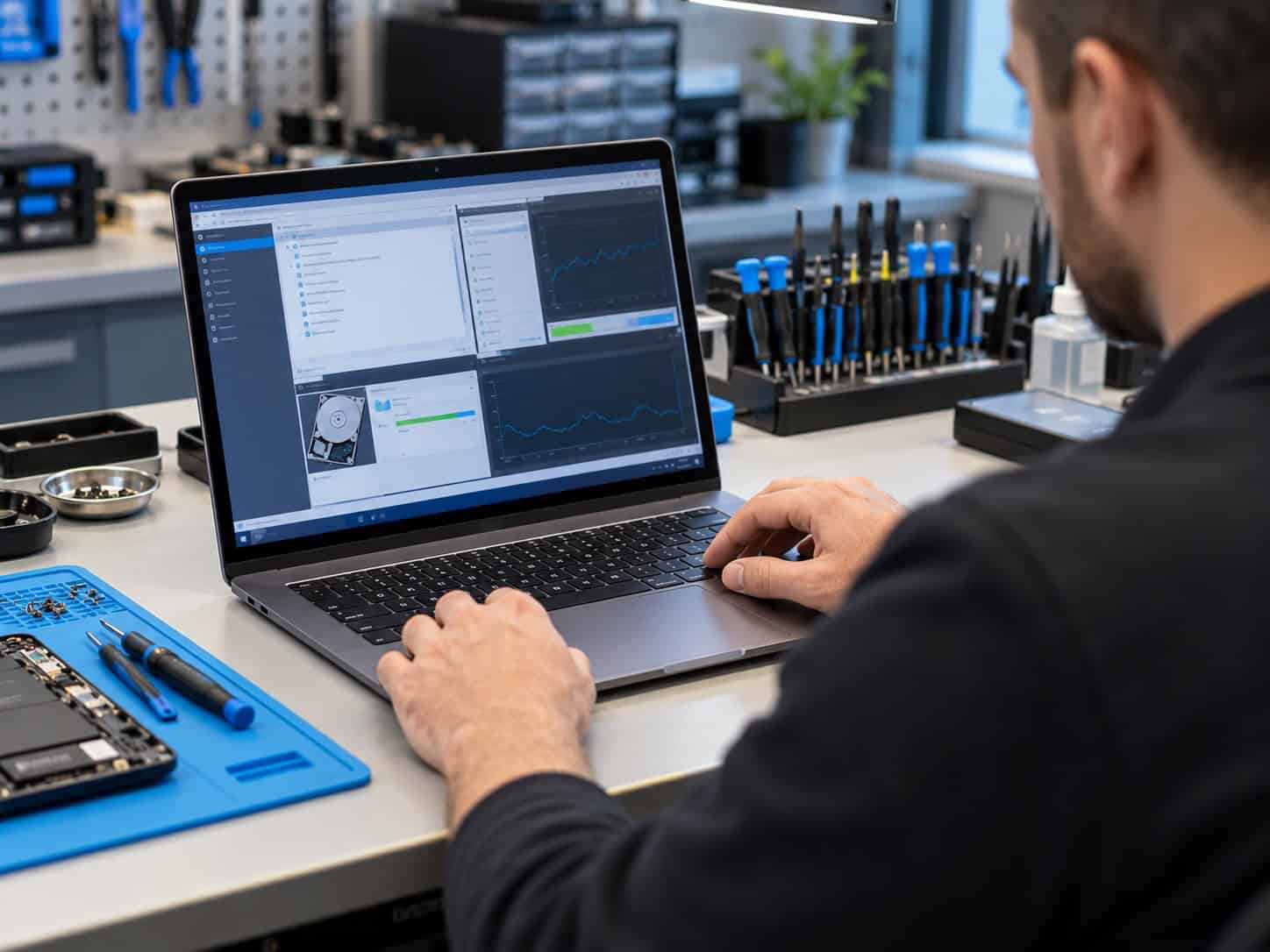
We assess your device, explain the fault and agree the repair costs with you before work begins.
If you decline the quoted repair after diagnosis has started, a £24 diagnostic fee, including VAT, covers our assessment time and technical expertise.
Approve the repair and there is no separate diagnostic fee.
The checks depend on the device and reported fault. We may look at startup behaviour, storage space, software activity, relevant updates and accessible cooling. Describe the task that feels slow or unreliable so that the assessment is relevant to your use. A computer health check is an assessment of the symptoms, not a promise that every possible fault has been ruled out.
A computer that is adequate for email may struggle with a large photo library or a demanding game. Tell us which tasks are slow, whether the fault affects every application and when it first appeared. Include any recent software, storage or hardware changes. That gives the computer health check a useful starting point.
Relevant checks can include startup activity, available storage, software updates and the behaviour of accessible cooling components. We choose checks appropriate to the model and reported symptoms. A brief test cannot prove that every component will remain fault free, so recurring or intermittent behaviour is important to describe.
Too many startup applications and limited free storage can affect performance without a failed part. Unusual drive noise, repeated crashes or a problem that appears when the device gets warm may need a more focused assessment. We explain the difference instead of treating every symptom as a routine cleanup.
Microsoft’s Windows performance guidance describes several possible software and hardware causes. If your computer contains important files and storage failure is suspected, tell us before running repeated scans or other maintenance. Preserving data may need to take priority.
At the end of a computer health check, ask what was checked, what was found and which next step addresses your actual problem. An upgrade depends on compatibility, the condition of the machine and the applications you need. Some devices have fixed memory or storage, so buying parts first can lead to an unnecessary expense.
We discuss the proposed work and costs before you decide. Ask our Hartlepool team about a computer health check and tell us about your device, daily tasks and any deadline.
For background reading before discussing this service: Diagnose computer problems. For other work, browse our repair services.
It helps identify what is limiting performance and which work might help. Removing unnecessary startup activity may be useful for one computer, while another needs a repair or a compatible upgrade. An older processor or fixed memory can limit the result. We explain the likely value of the proposed work rather than promise a particular speed increase.
Keep a separate copy of important files if the device is working and it is safe to do so. Let us know if the only copy is on the computer. If files have disappeared, storage makes unusual noises or the device keeps disconnecting, contact us before repeated copying or testing. Those symptoms may need a data preservation approach rather than a routine computer health check.
Bring the device model, a description of the symptoms and a note of when they occur. If it works normally for a while before slowing down, say how long. Keep an independent copy of important files where it is safe to do so. Tell us about unusual drive noises or missing files before attempting maintenance.
Timing depends on the symptoms, the tests needed and whether the issue is intermittent. Tell us about any deadline when you enquire. We discuss the assessment and the proposed work before you authorise further action. The diagnostic policy shown on this page applies. A health check does not authorise additional repairs or replacement parts without your agreement.
We explain how the finding relates to your symptoms and discuss suitable options, compatibility and cost. You can ask whether maintenance, a repair, an upgrade or keeping the device as it is makes sense for your needs. The purpose of the computer health check is to support that decision. You choose whether to proceed with the proposed work.
Tell us if you have noticed unexpected popups, suspicious software or unusual account activity. We can discuss relevant checks and whether a separate malware removal or account security service is appropriate. Do not send passwords or verification codes.
Friendly and professional rang me to help with my computer issue and ran me though my options recommend their services
Fixed my PC within a day. Diagnosed quickly, repaired and now working great. Would highly recommend this company! Thank you.
Very helpful and excellent advice, top class work, I highly recommend them for repairs or a new system, you won’t regret it.


Darren Waggott founded Kingfisher Computers in 2004. It was his first business, and he has continued to run and develop it ever since, helping local people and businesses look after their computers.
Kingfisher and The Mining Shop are part of the same business group. Our work across everyday PCs, gaming computers, ASIC miner repairs and data centre hardware brings together complementary technical experience. Kingfisher remains focused on practical computer repair and clear advice from Hartlepool.
Find us at 38 Church Street, Hartlepool, TS24 7DG. Call 01429 280955 with your model and the symptoms before you travel.
Opening hours and visit information · Get directions · Contact our team


No appointment required. You’re welcome to pop into the shop during opening hours.
ENQUIRY RECEIVED
38 Church Street, Hartlepool, TS24 7DG
For home visits and callouts, please wait for us to arrange a time.
No appointment required. You’re welcome to pop into the shop during opening hours.
ENQUIRY RECEIVED
38 Church Street, Hartlepool, TS24 7DG
For home visits and callouts, please wait for us to arrange a time.